Your cart is empty.
Browse plugins
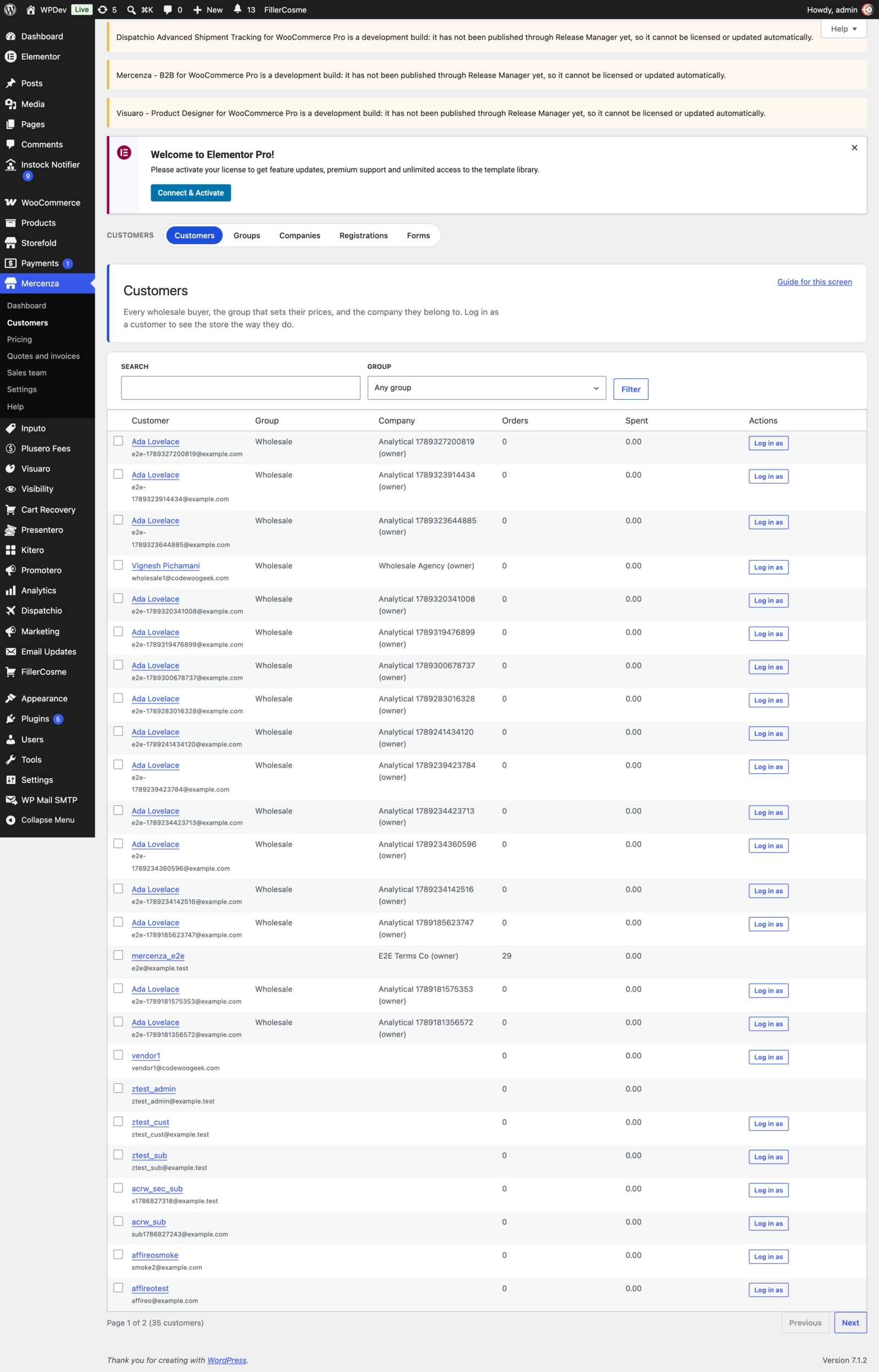

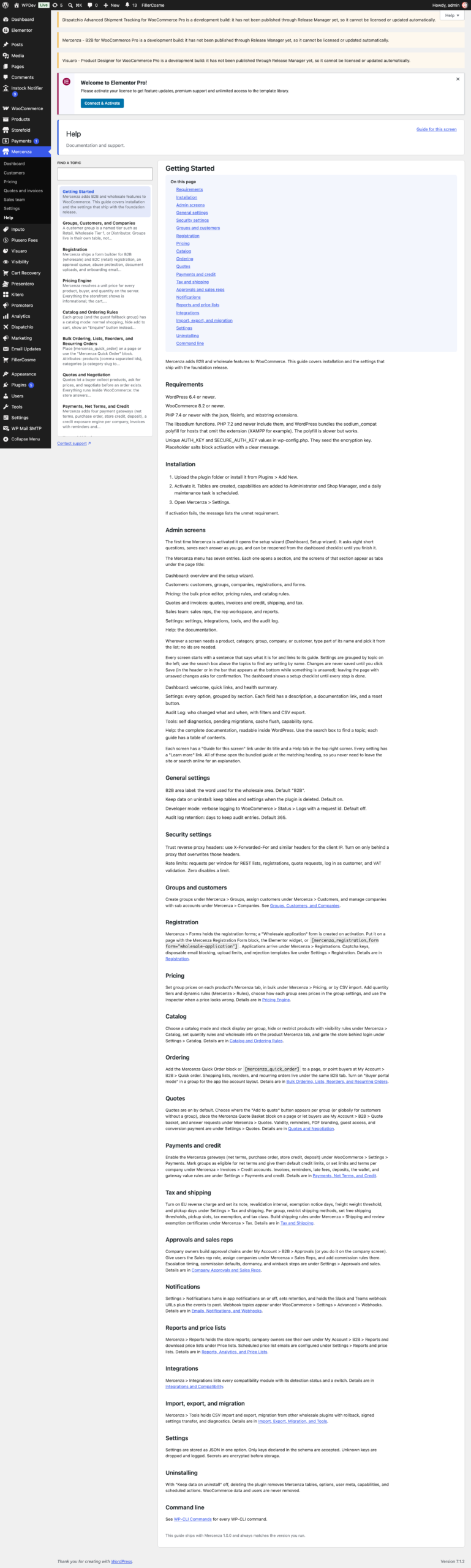

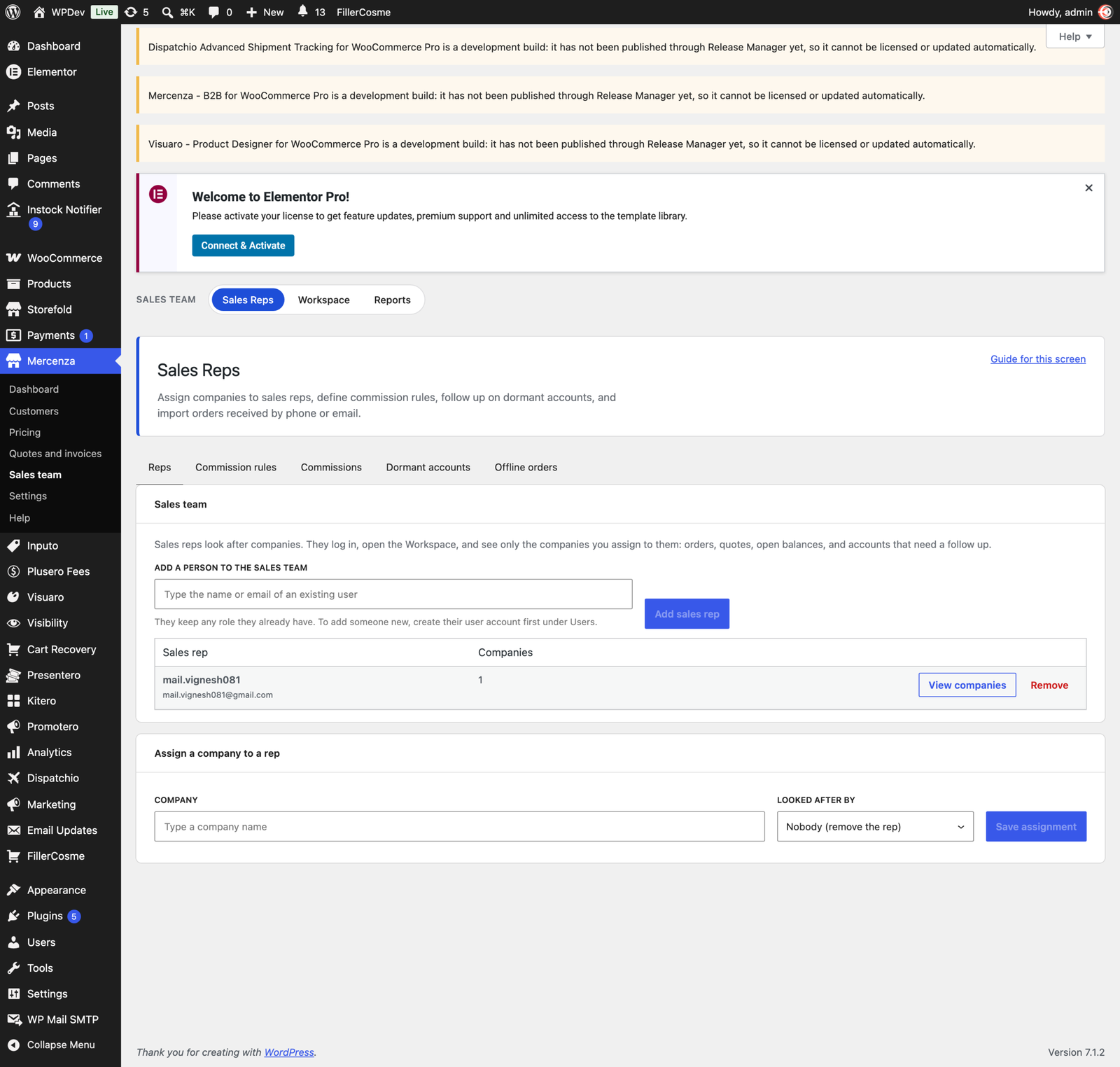
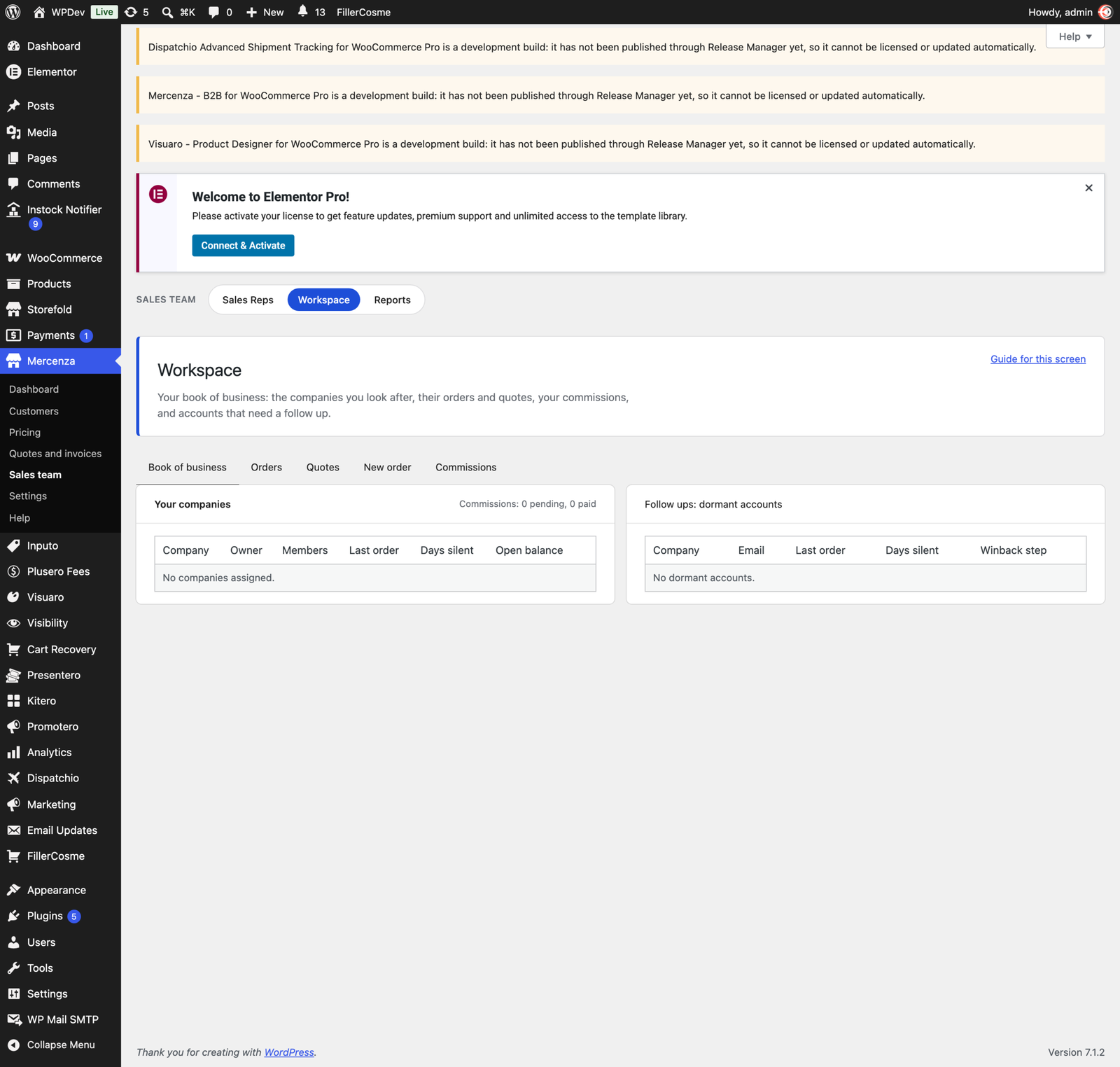
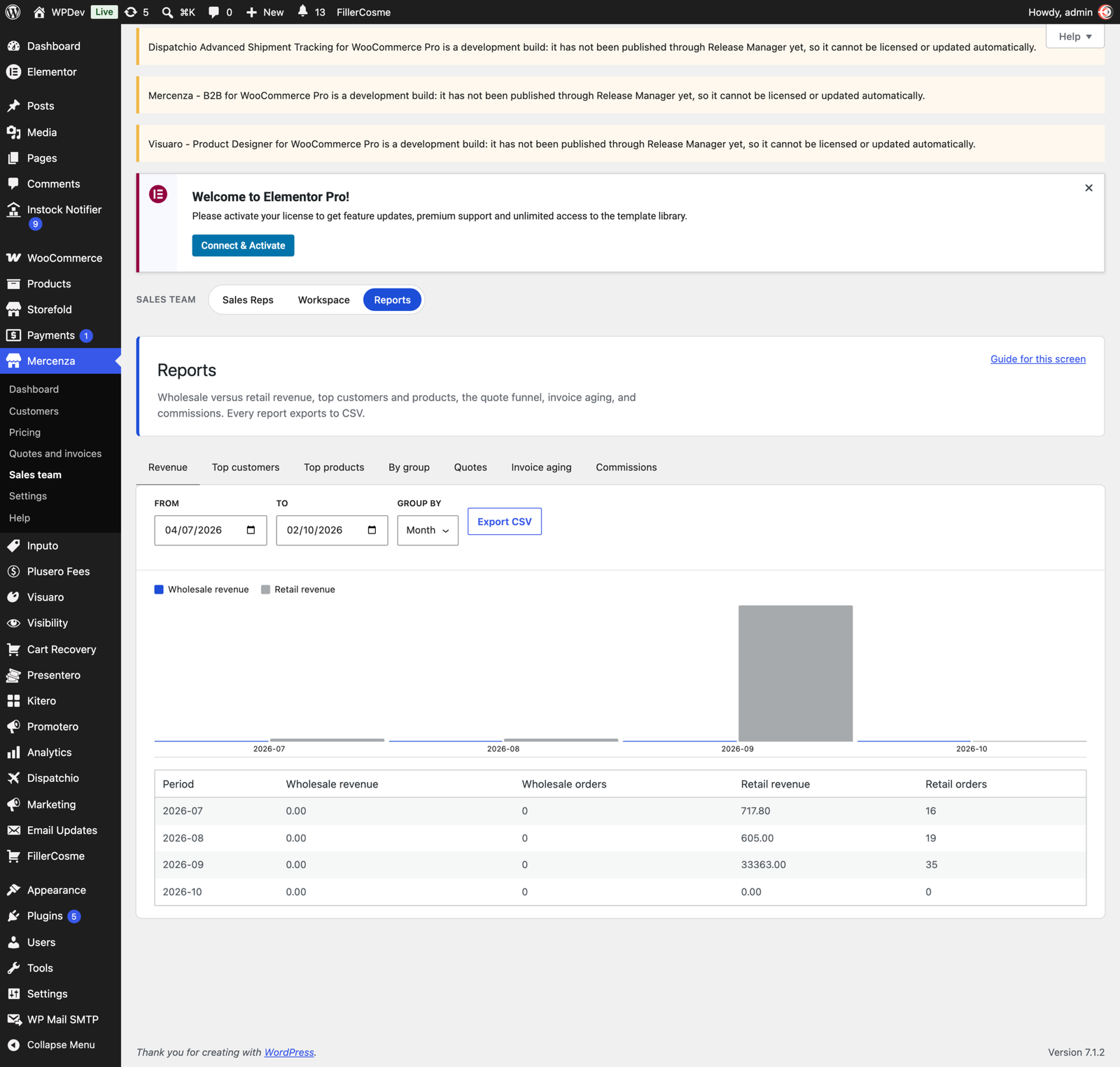
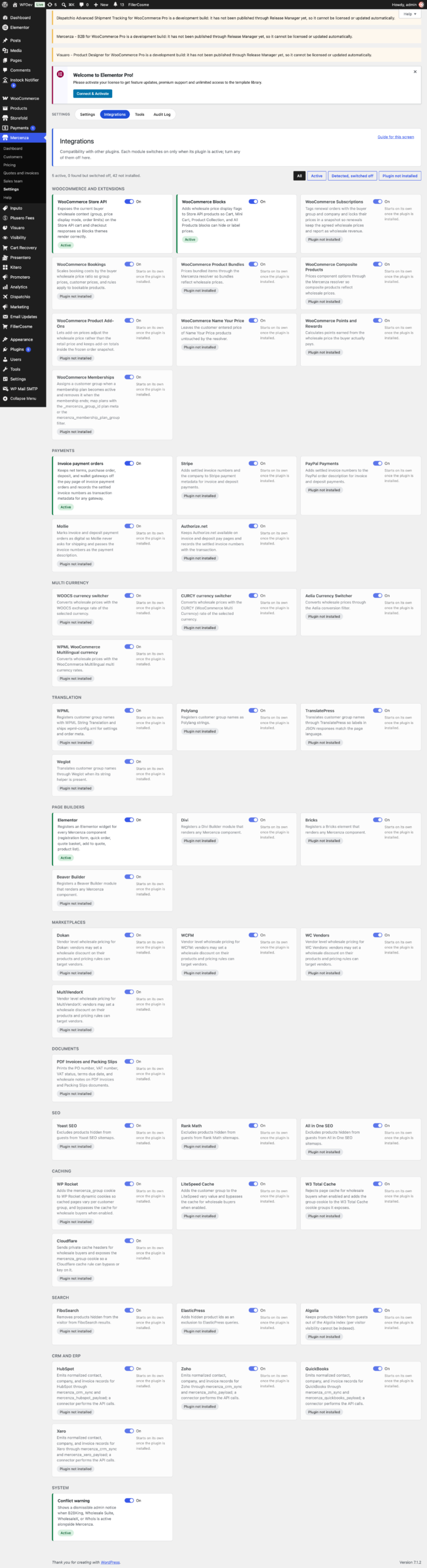
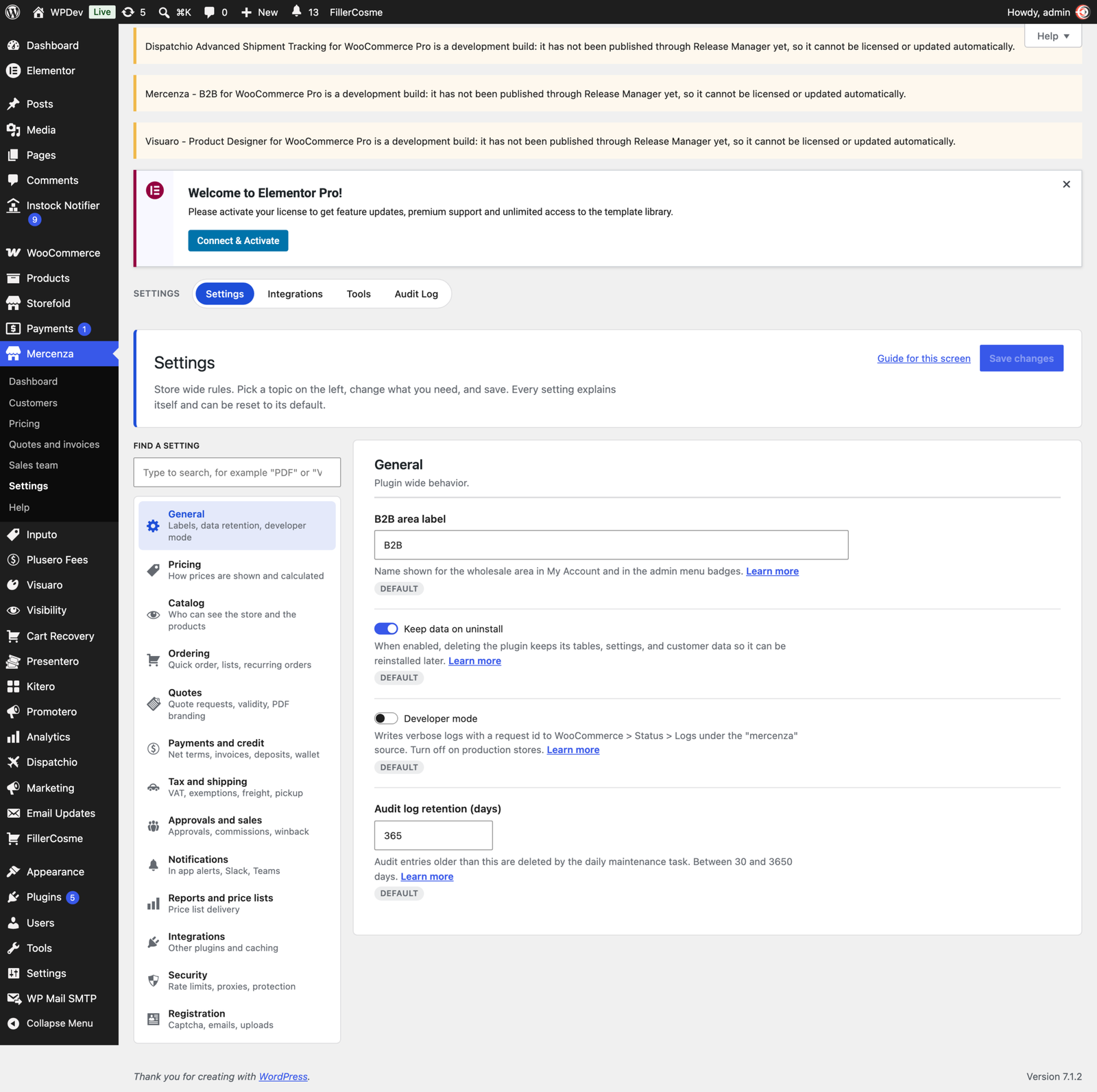
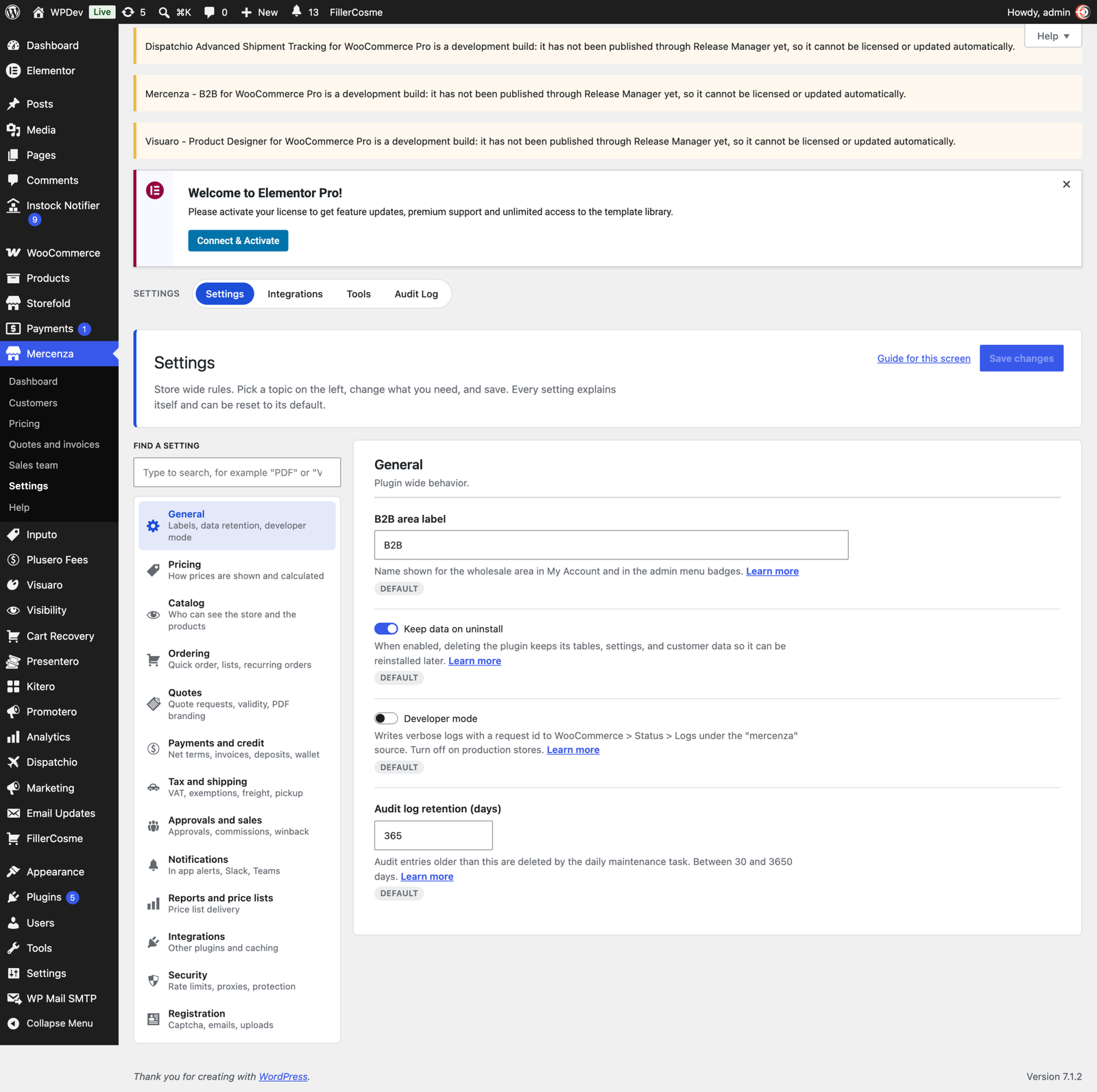
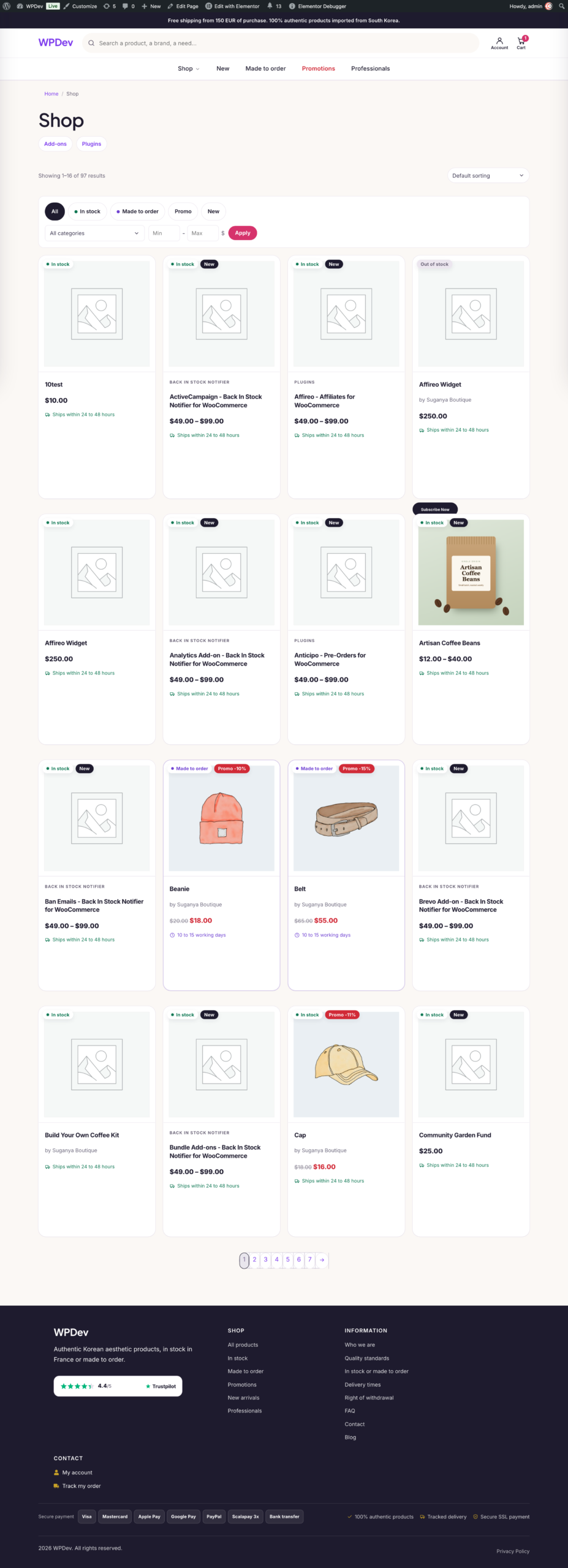
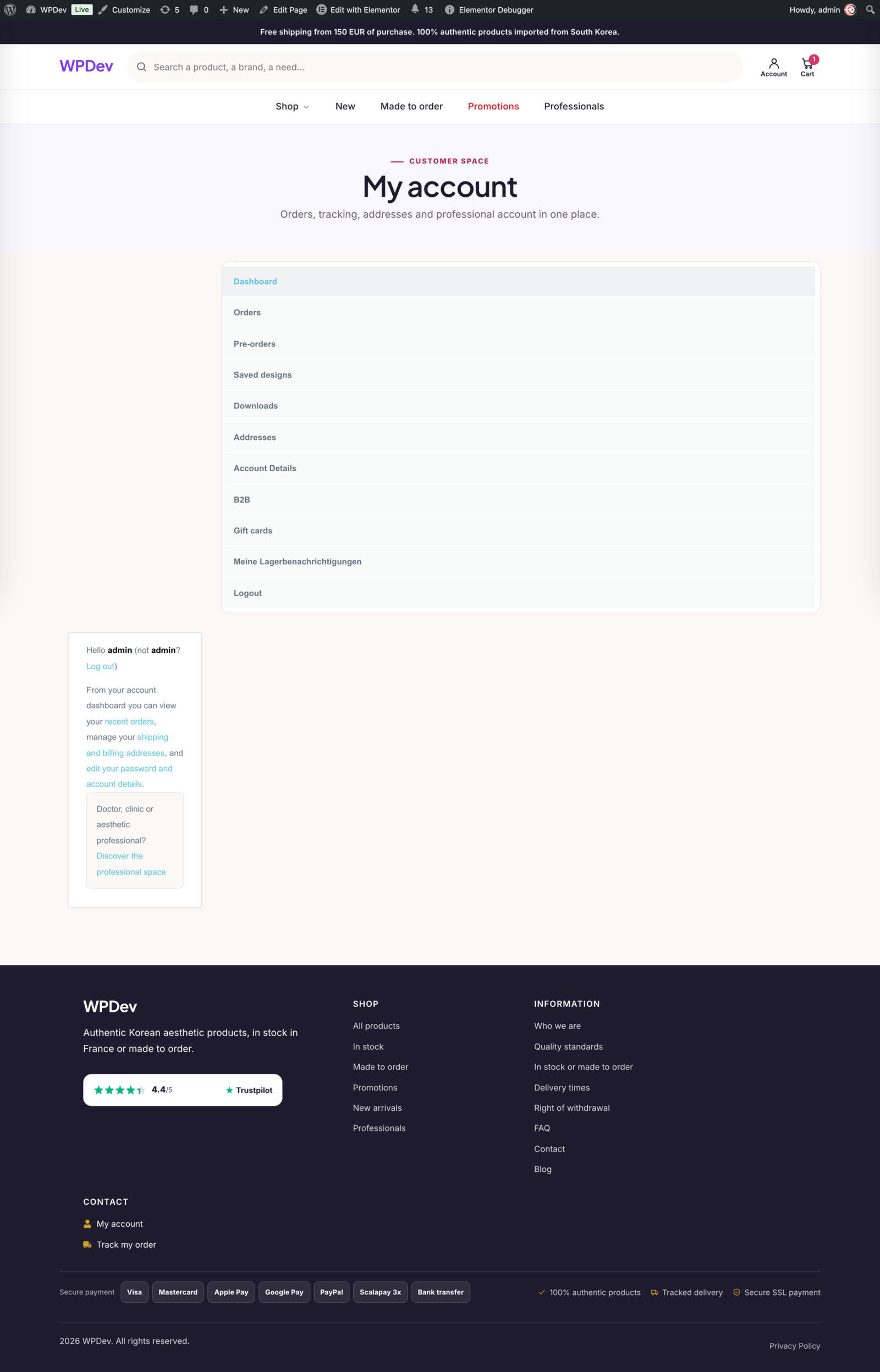
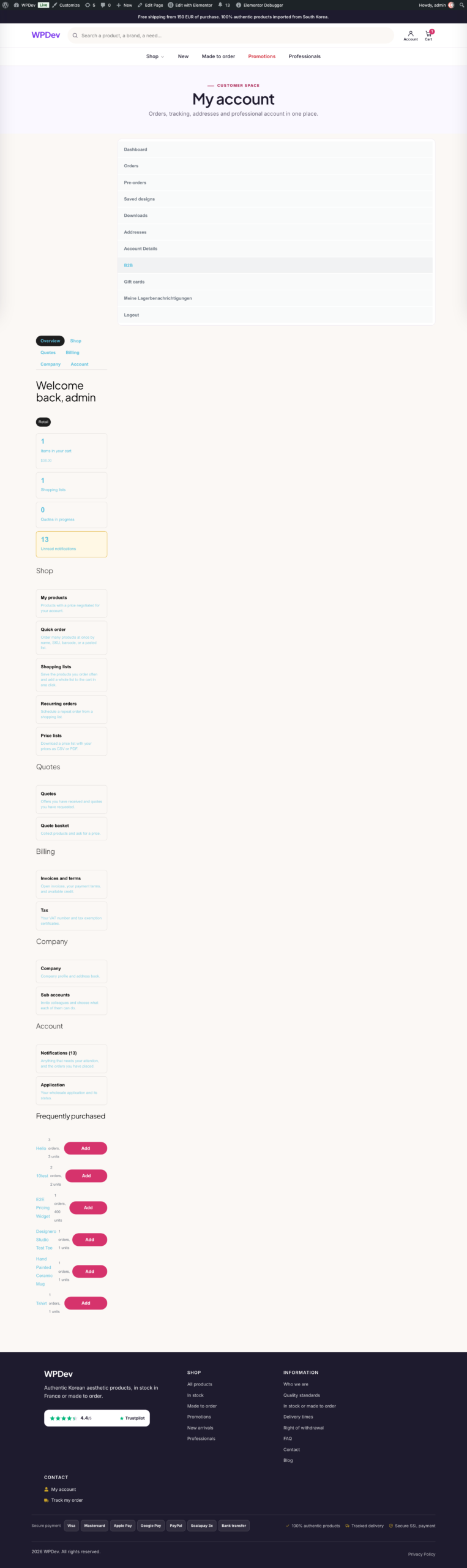
Overview
Mercenza turns a WooCommerce store into a trade counter. Buyers apply for an account, you approve them, and from that moment they see their own prices, their own minimum quantities, and only the products you want them to see. Retail customers notice nothing: it is the same shop, with a second set of rules for the people who buy from you in volume.
Pro is the complete edition. It adds everything a business needs once the wholesale side stops being a price list and starts being a relationship: quotes, payment on account, approvals inside the buyer’s company, sales reps, and the tax and shipping rules that trade orders require.
The problem it solves
Selling to businesses is not selling to consumers with a discount. A trade buyer expects to ask for a price before committing, to order on account and pay at the end of the month, to have a colleague place the order and a manager approve it, and to be charged the right tax for their registration. WooCommerce does none of that on its own.
The usual answer is a second store, a spreadsheet of agreed prices, and an inbox full of purchase orders. Mercenza puts all of it in the store you already run, so one catalog, one checkout, and one set of orders serve both sides of the business.
Who it is for
- Distributors and importers whose customers buy at agreed prices
- Manufacturers selling to resellers, installers, or trade accounts
- Suppliers who quote before they sell
- Any store where some customers pay later rather than at checkout
- Shops with a sales team who place orders on behalf of customers
Pricing that matches what you agreed
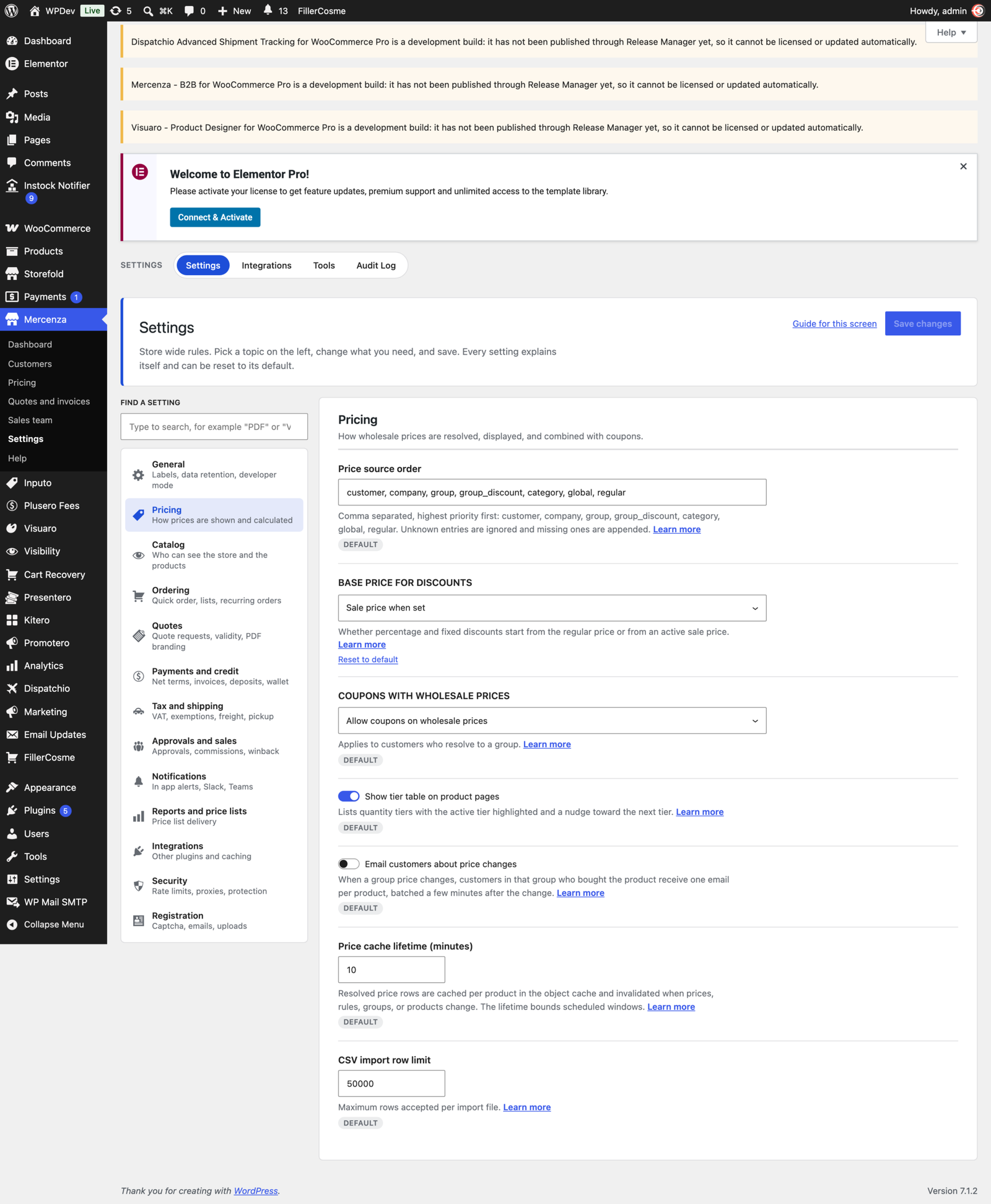
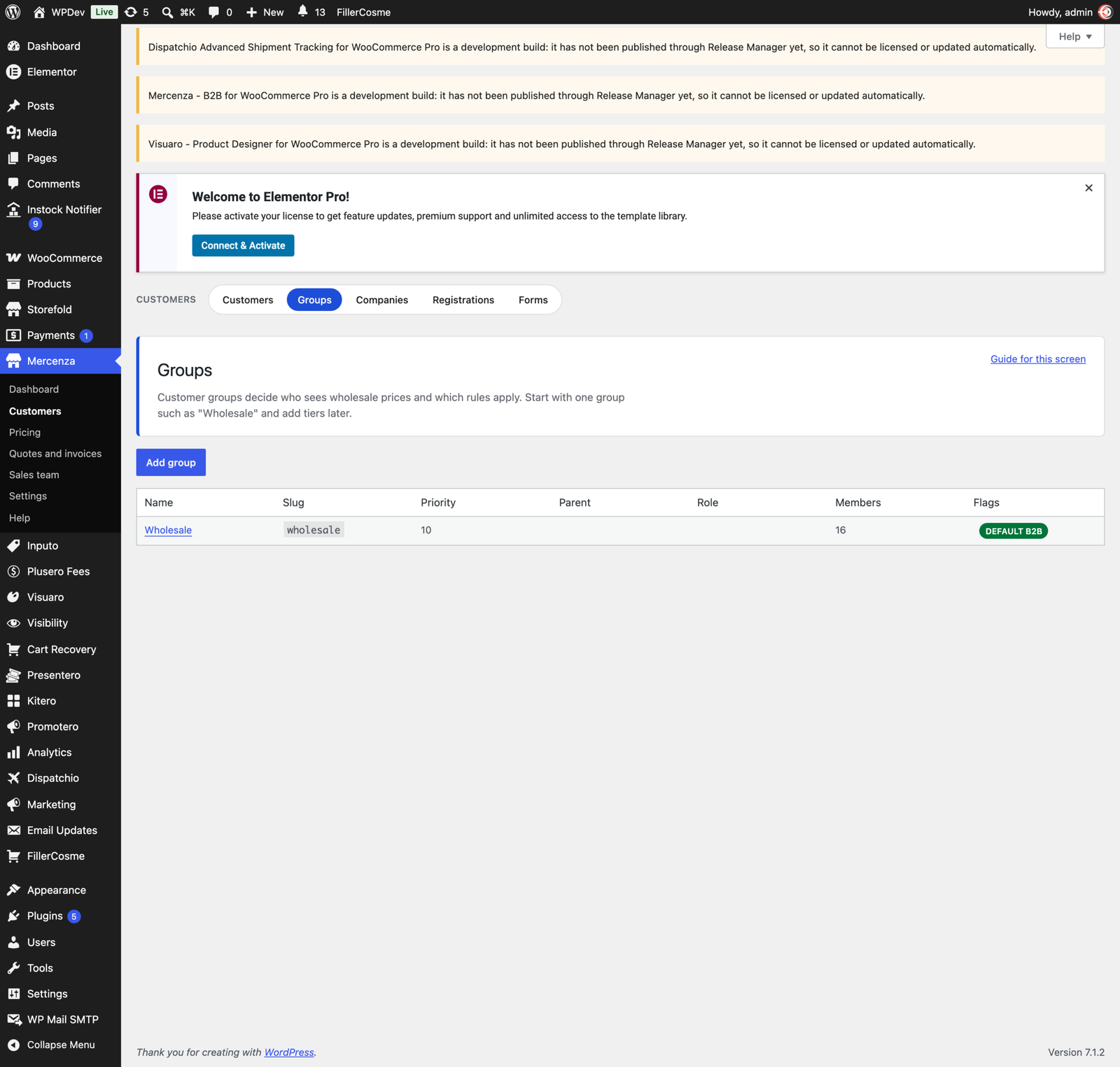
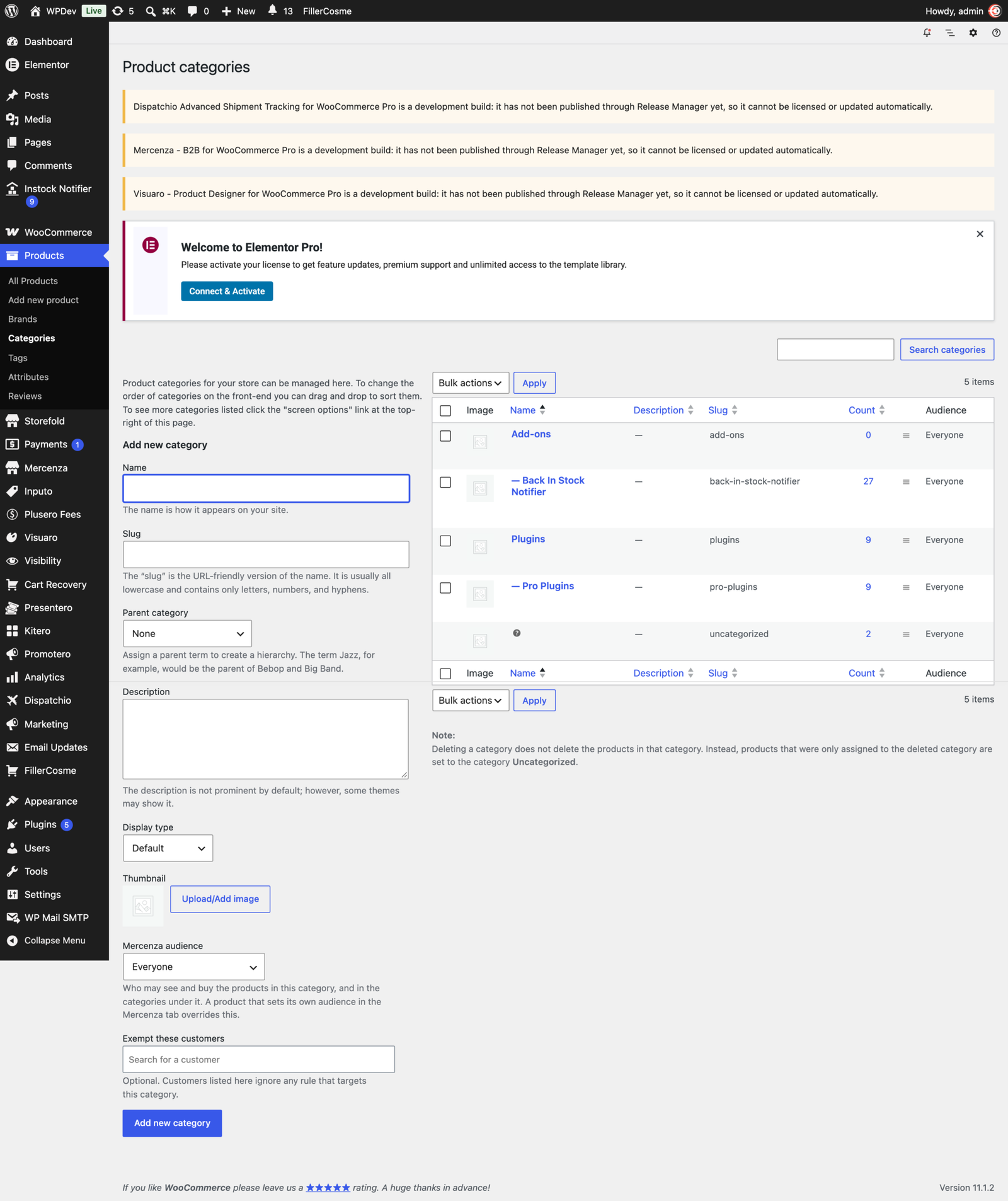
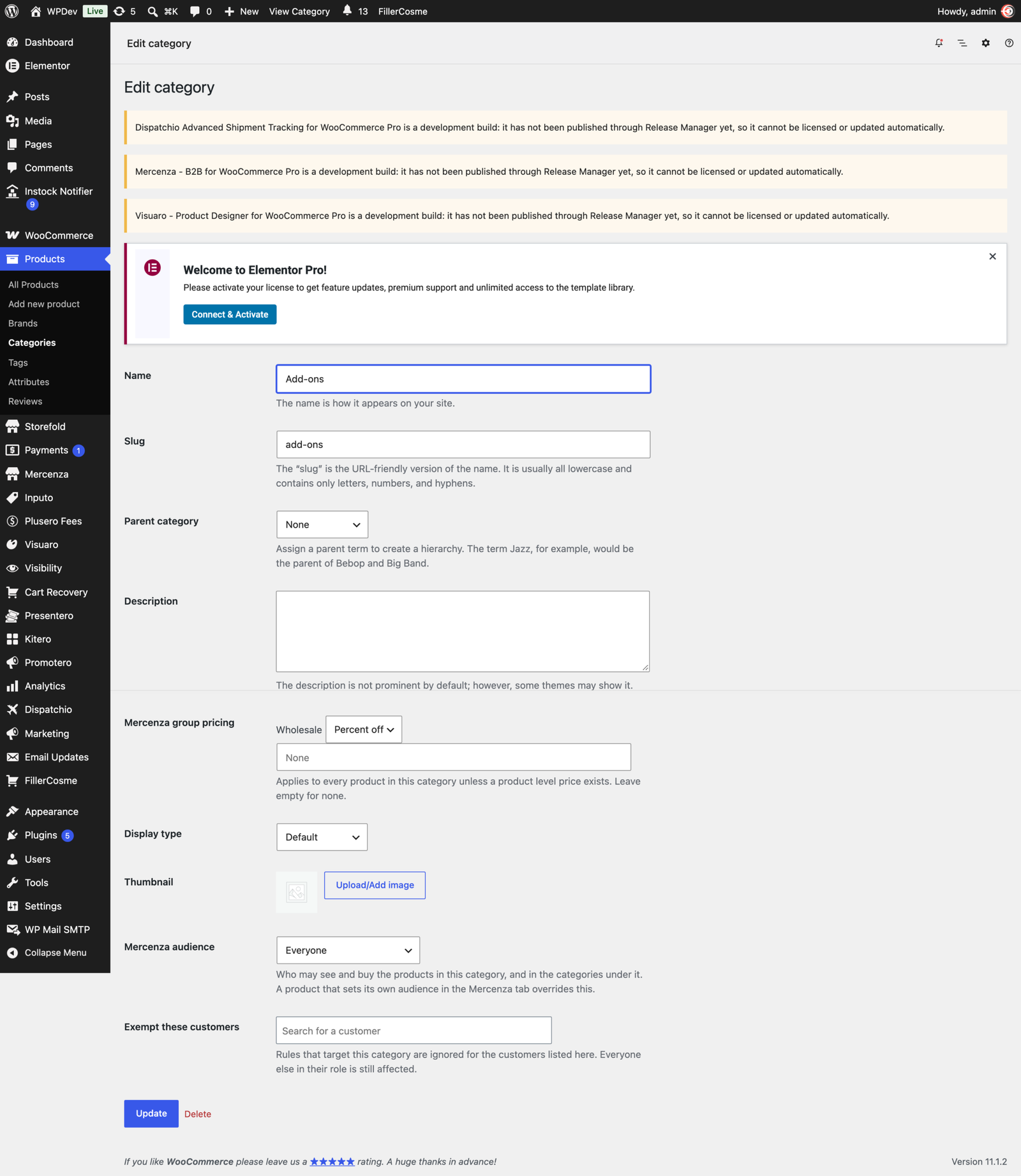
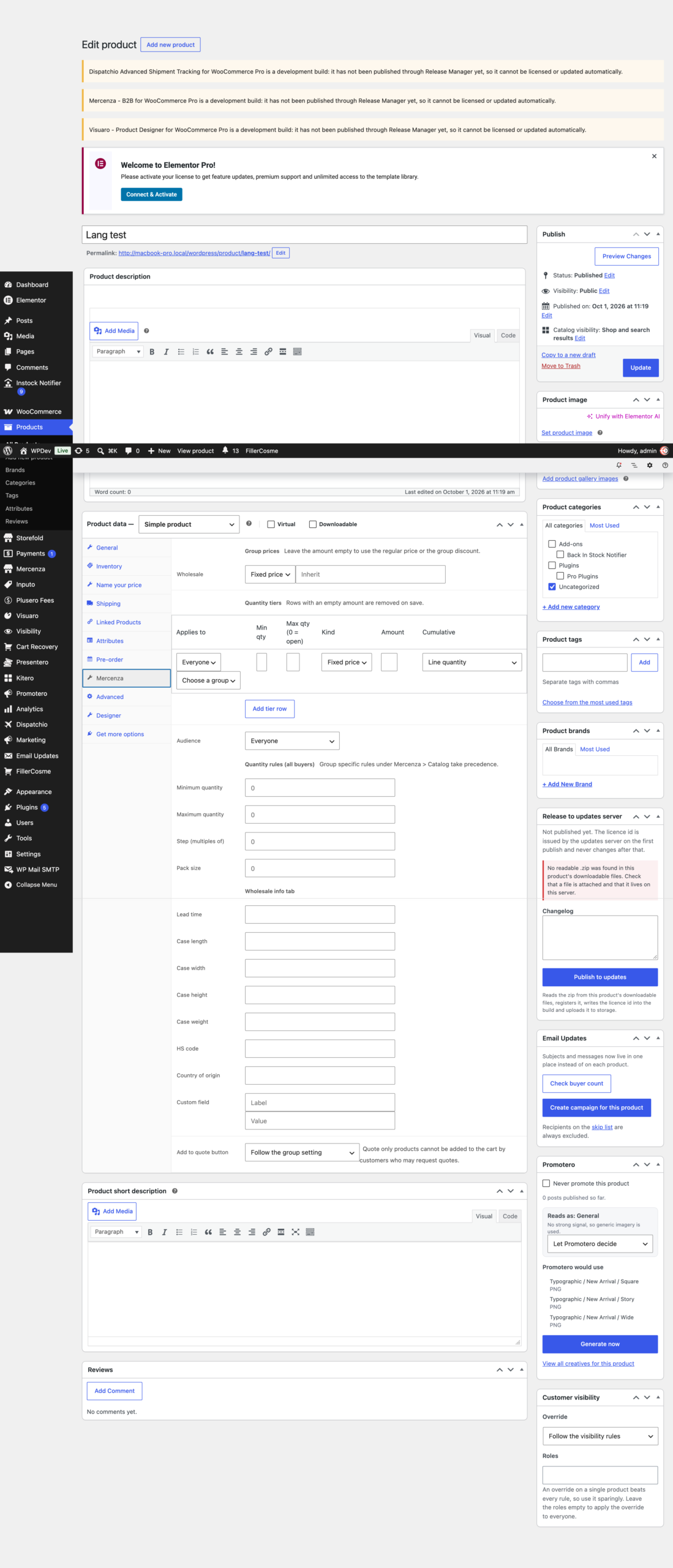
Create as many customer groups as you need and give each one its own prices: a fixed price, a percentage off, or an amount off, per product and per variation. A price negotiated with one customer beats their group price, and a nearer group beats a parent group, so the most specific agreement always wins.
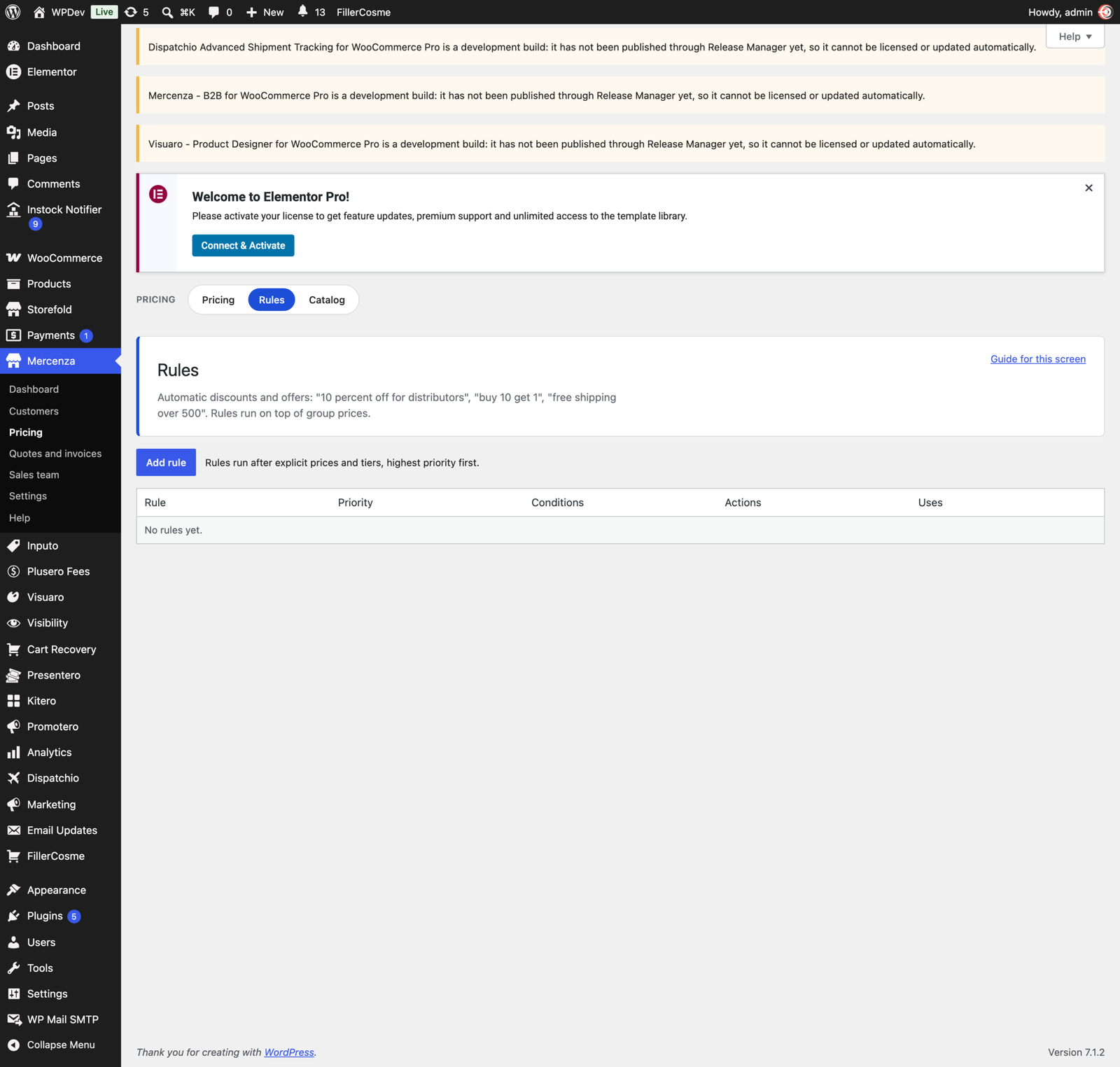
Quantity tiers handle the breaks (“10 or more: 8.50”) and appear as a table on the product page. Dynamic rules cover the rest: conditions on group, product, category, tag, brand, cart total, quantity, weekday, and date range, with discounts, free shipping, and buy X get Y.
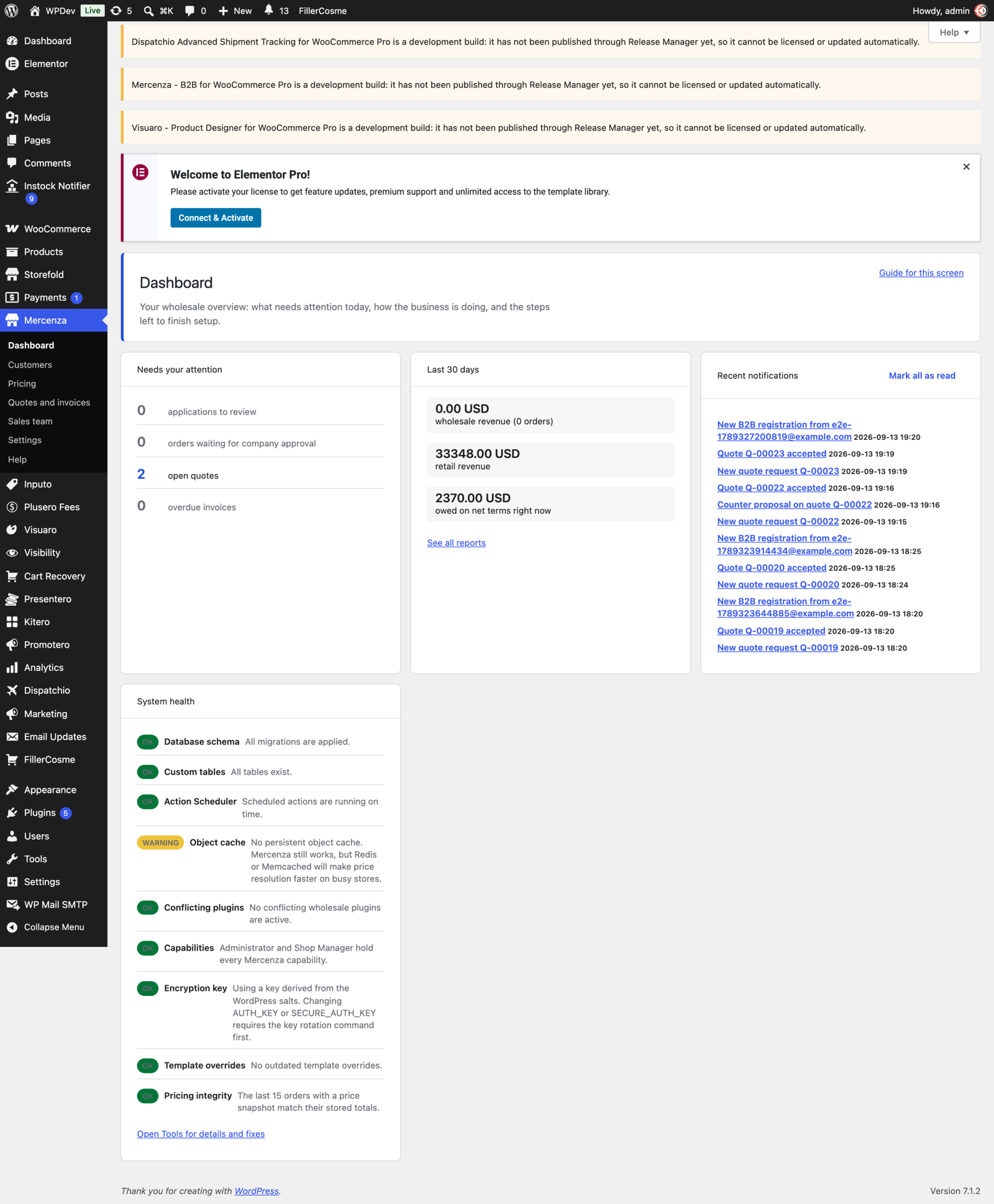
When a price looks wrong, the inspector tells you exactly which rule produced it and why. Prices are set in bulk from one editor, or imported and exported as CSV, and every order stores a snapshot of what was charged.
The catalog each buyer sees
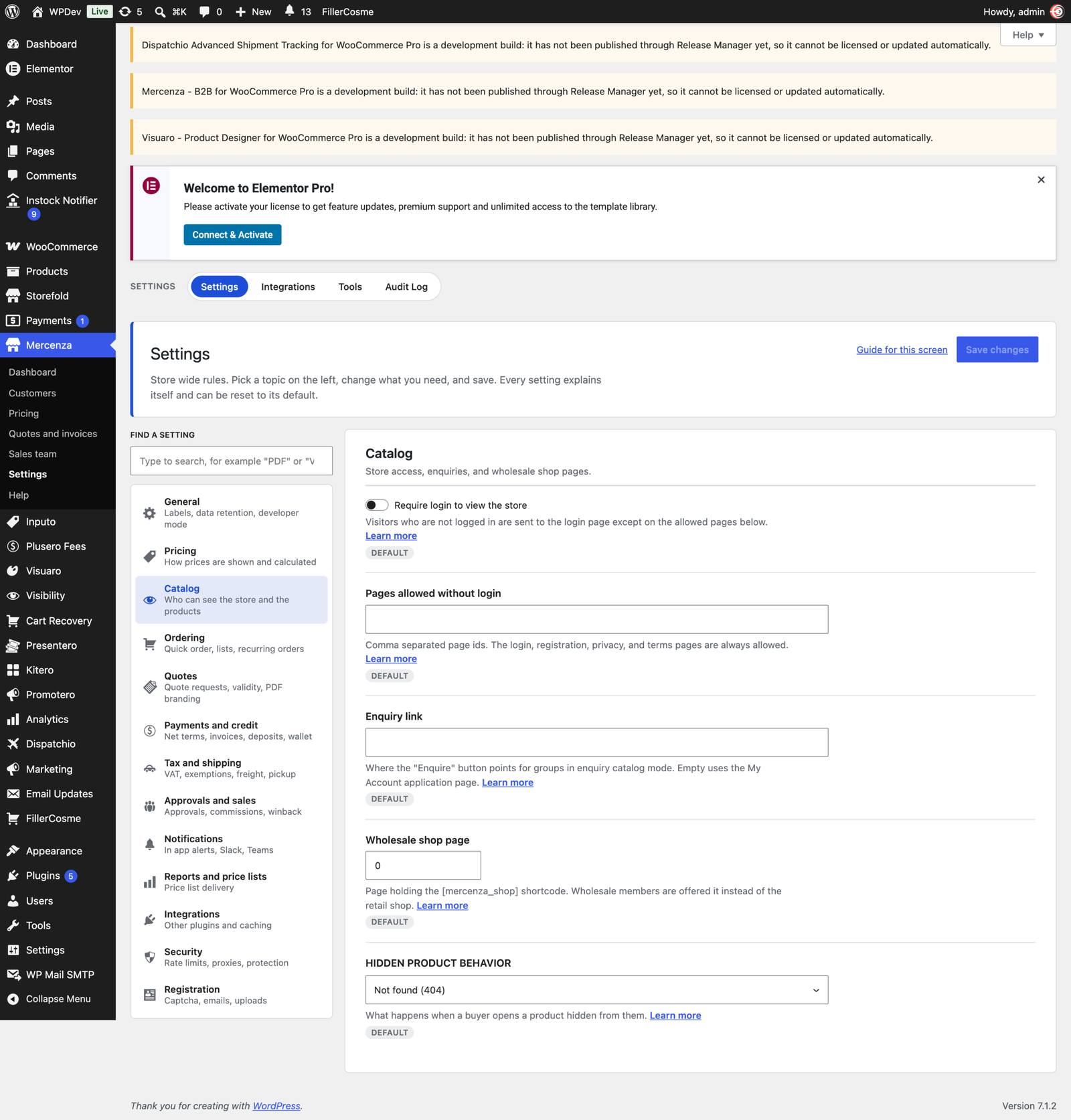
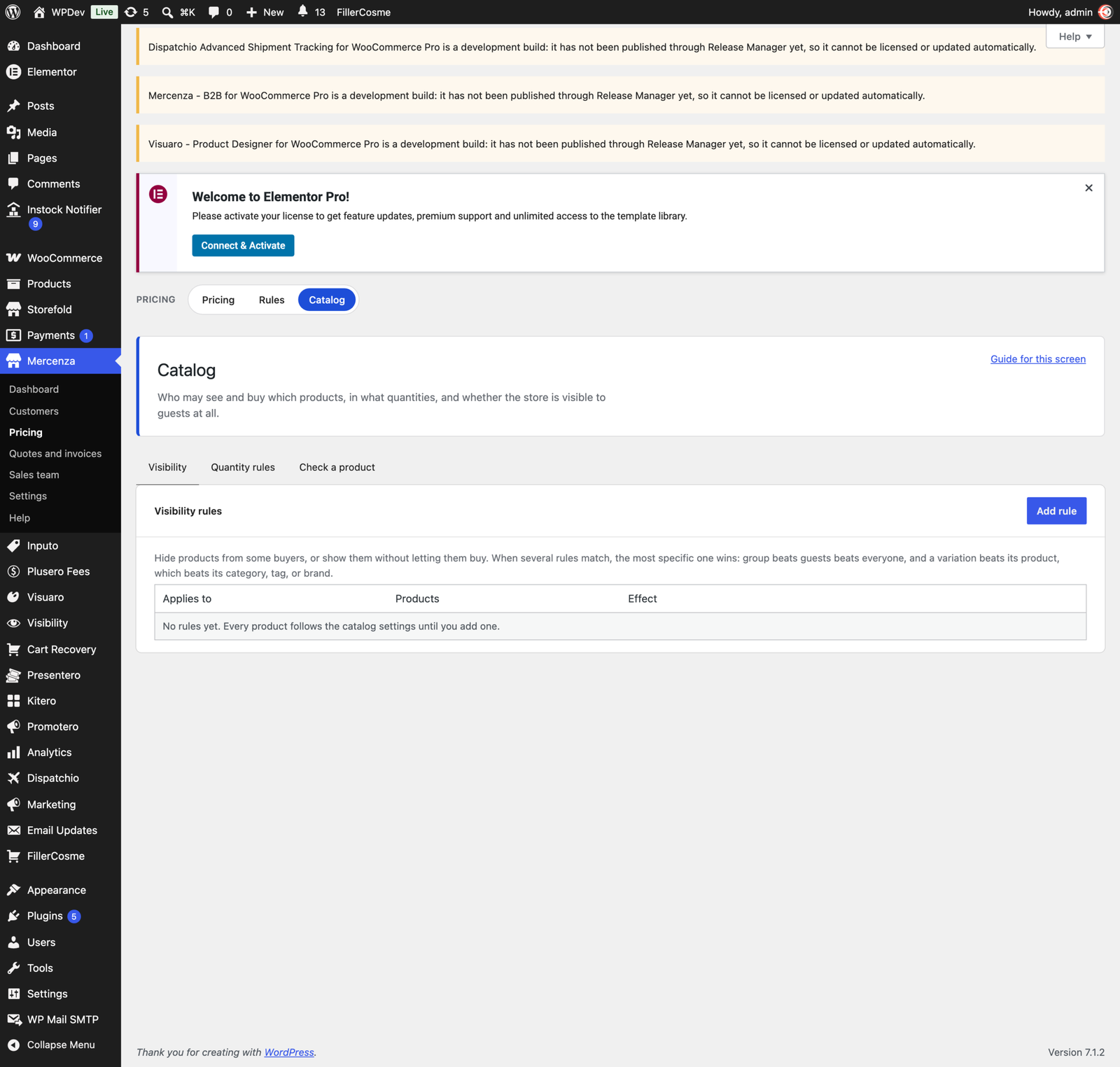
Mark a product, or a whole product category, as wholesale only or retail only. Restricted products disappear from the shop, search, feeds, sitemaps, related products, and the REST and Store API, and a direct link returns 404. The rule is checked again when the cart is validated, so a stale link cannot be used to buy something a buyer may not see.
Visibility and purchase rules can be scoped to a group, to guests, or to everyone, and target products, variations, categories, tags, or brands. Minimum, maximum, step, and pack size are enforced on the product page, in the cart, at checkout, and in the Store API. A group can browse in catalog mode with no cart at all, and the whole store can be hidden from visitors who are not logged in.
Trade accounts, not just user accounts
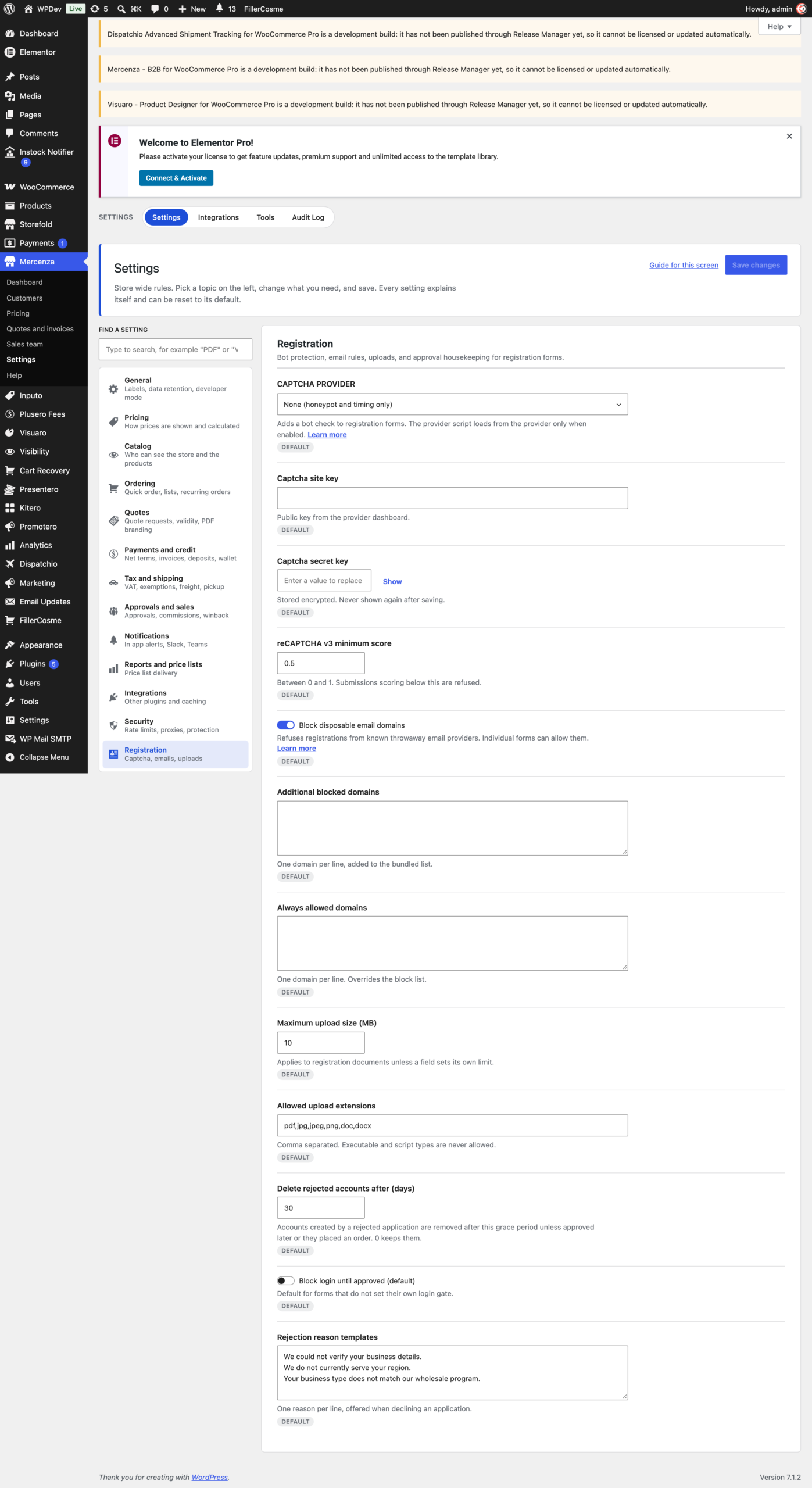
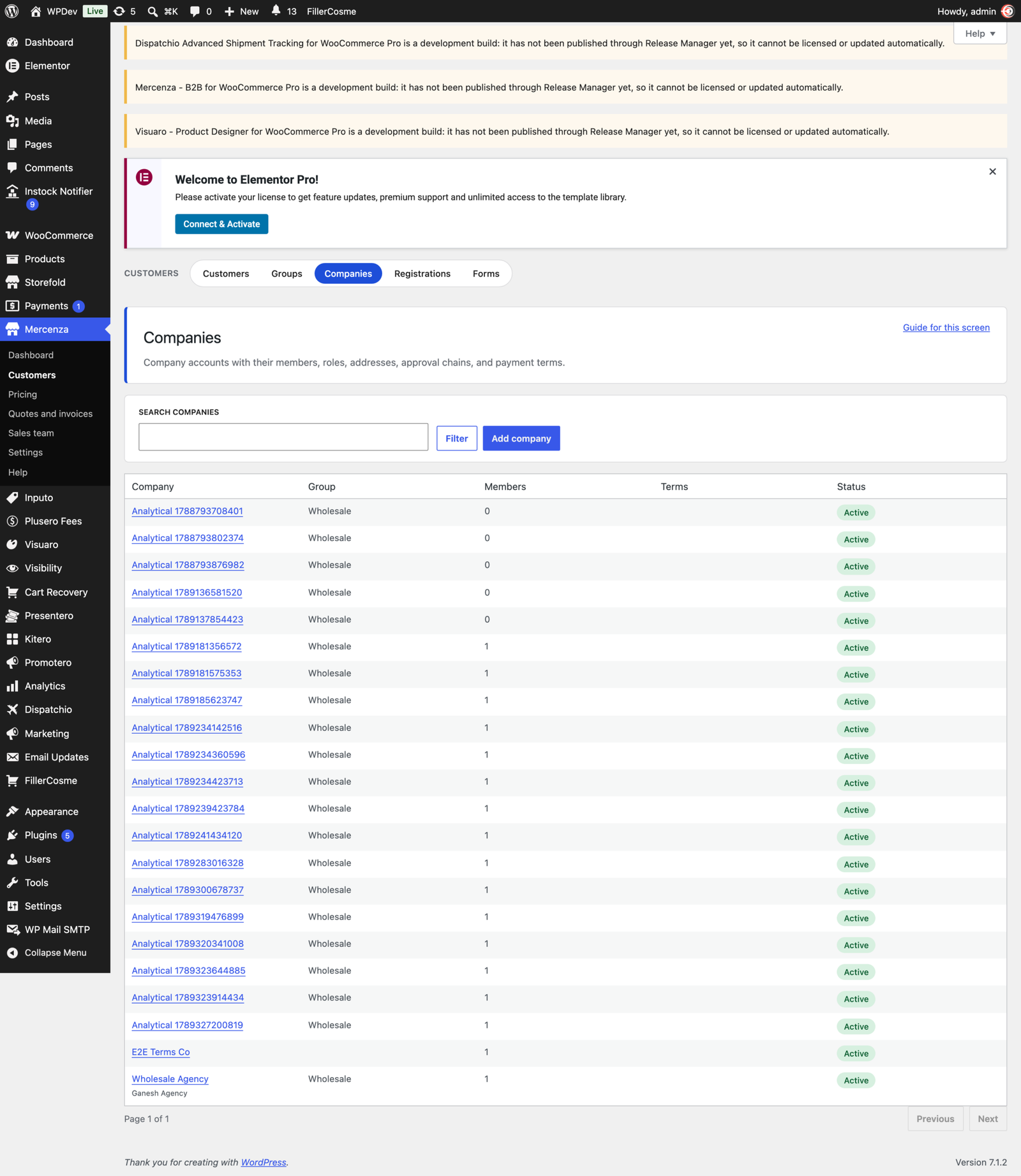
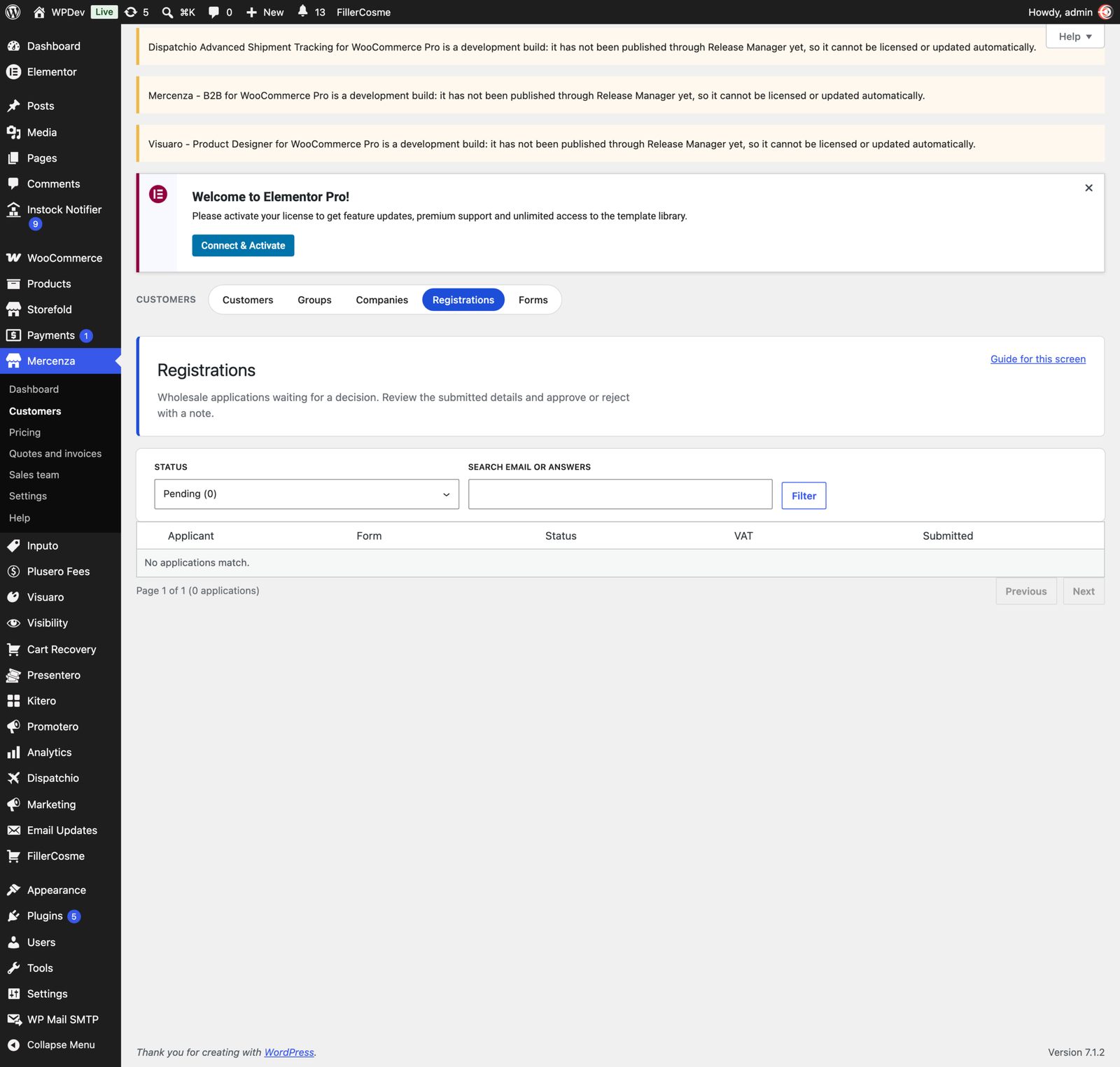
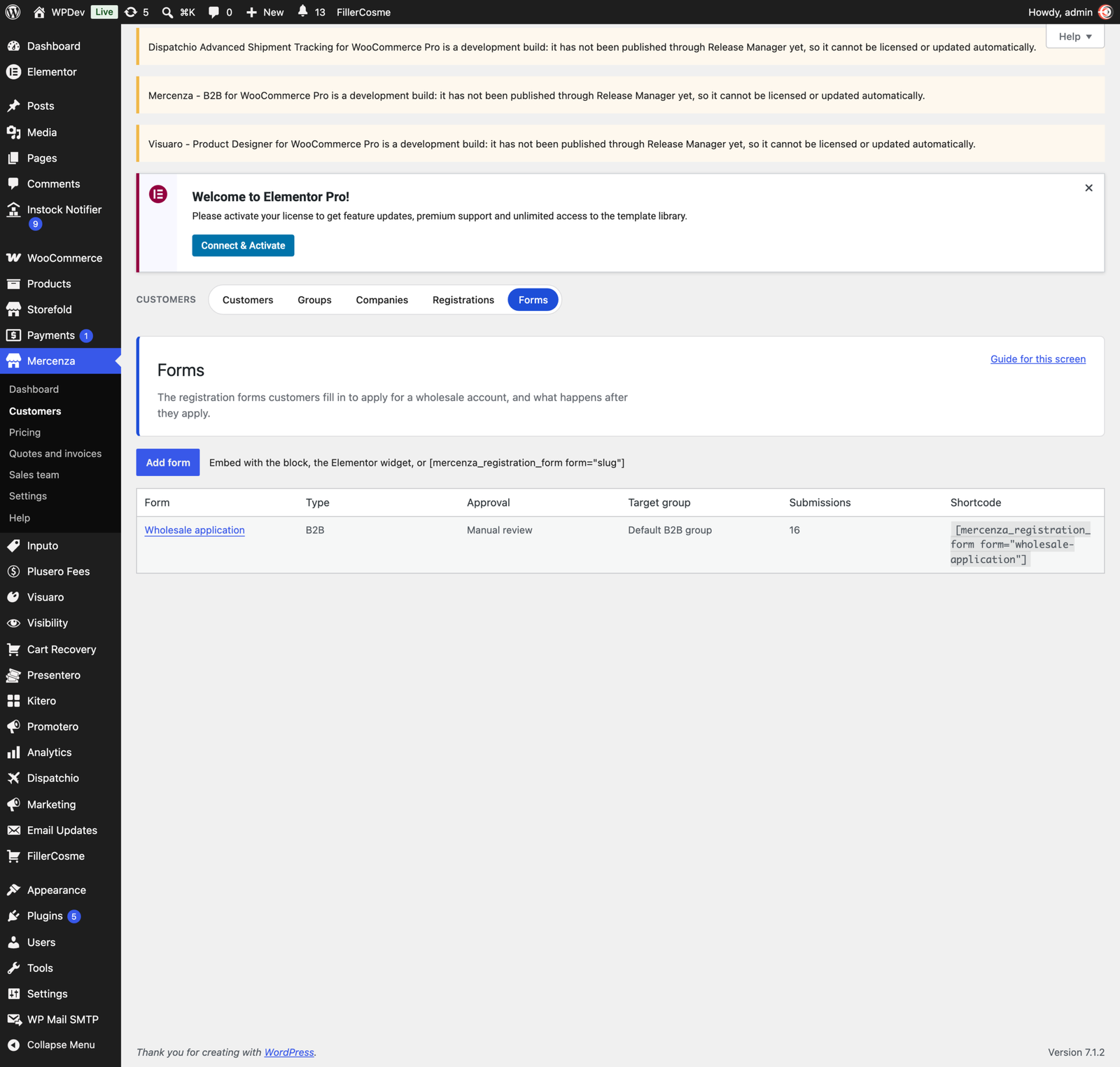
Build the application form from text, select, radio, checkbox, country, state, address, file upload, consent, and custom HTML fields. Applications arrive in an approval queue with notes, rejection templates, and bulk actions, protected by captcha (reCAPTCHA, hCaptcha, or Cloudflare Turnstile), disposable email blocking, and a honeypot.
Approved buyers belong to a company: a legal entity with VAT number, addresses, and sub accounts. Each colleague gets a role (owner, purchaser, approver, viewer, or custom), their own permissions, and an order limit.
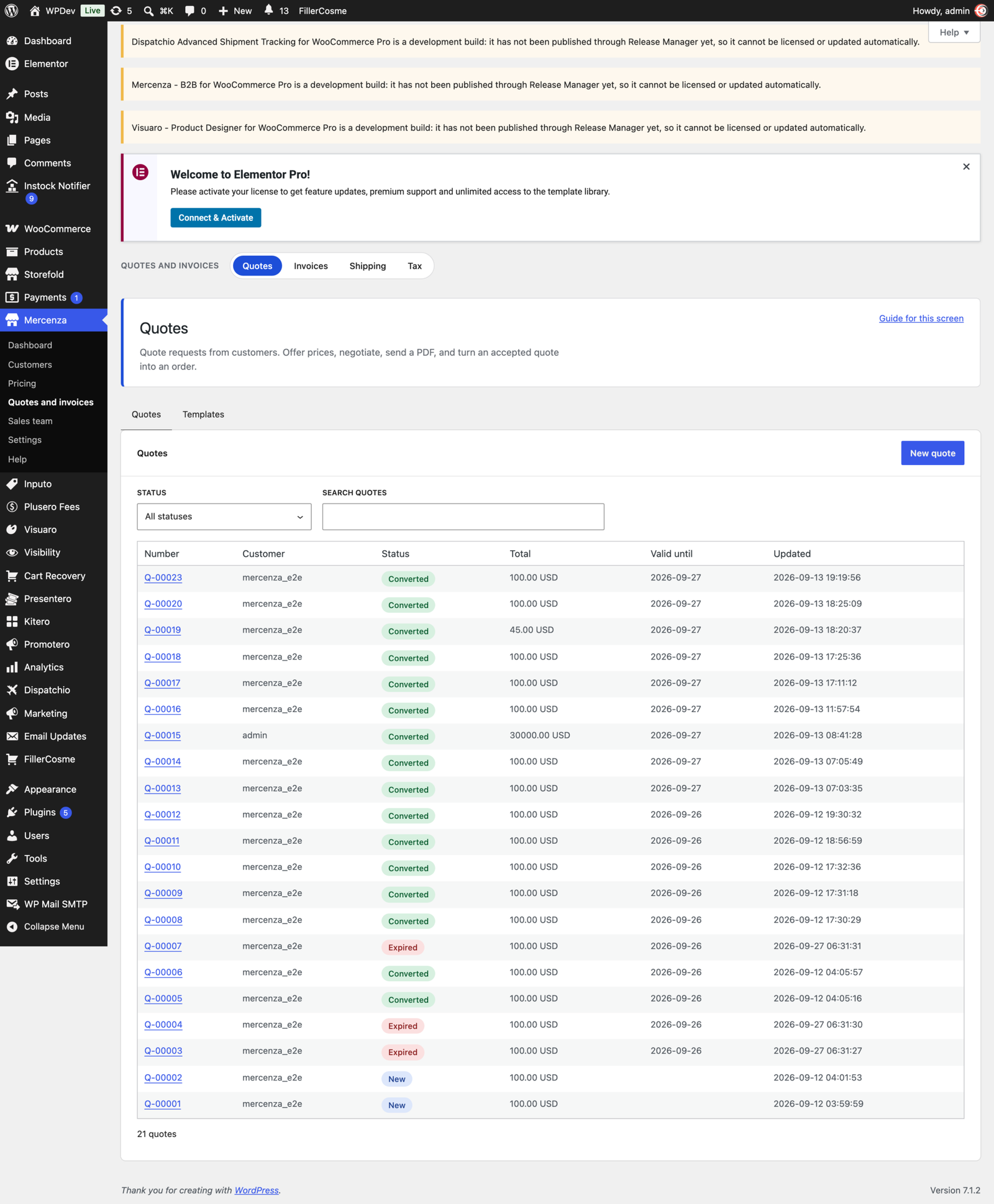
Quotes
Buyers collect products in a quote basket and ask for a price, from the product page, the cart, or their account area. You answer with your prices, they counter, you message back, and both sides see the history. Quotes carry attachments, a validity date with automatic reminders, and a PDF. An accepted quote becomes an order in one click. Guests can request a quote too, with their email verified first, and quote templates save the offers you send often.
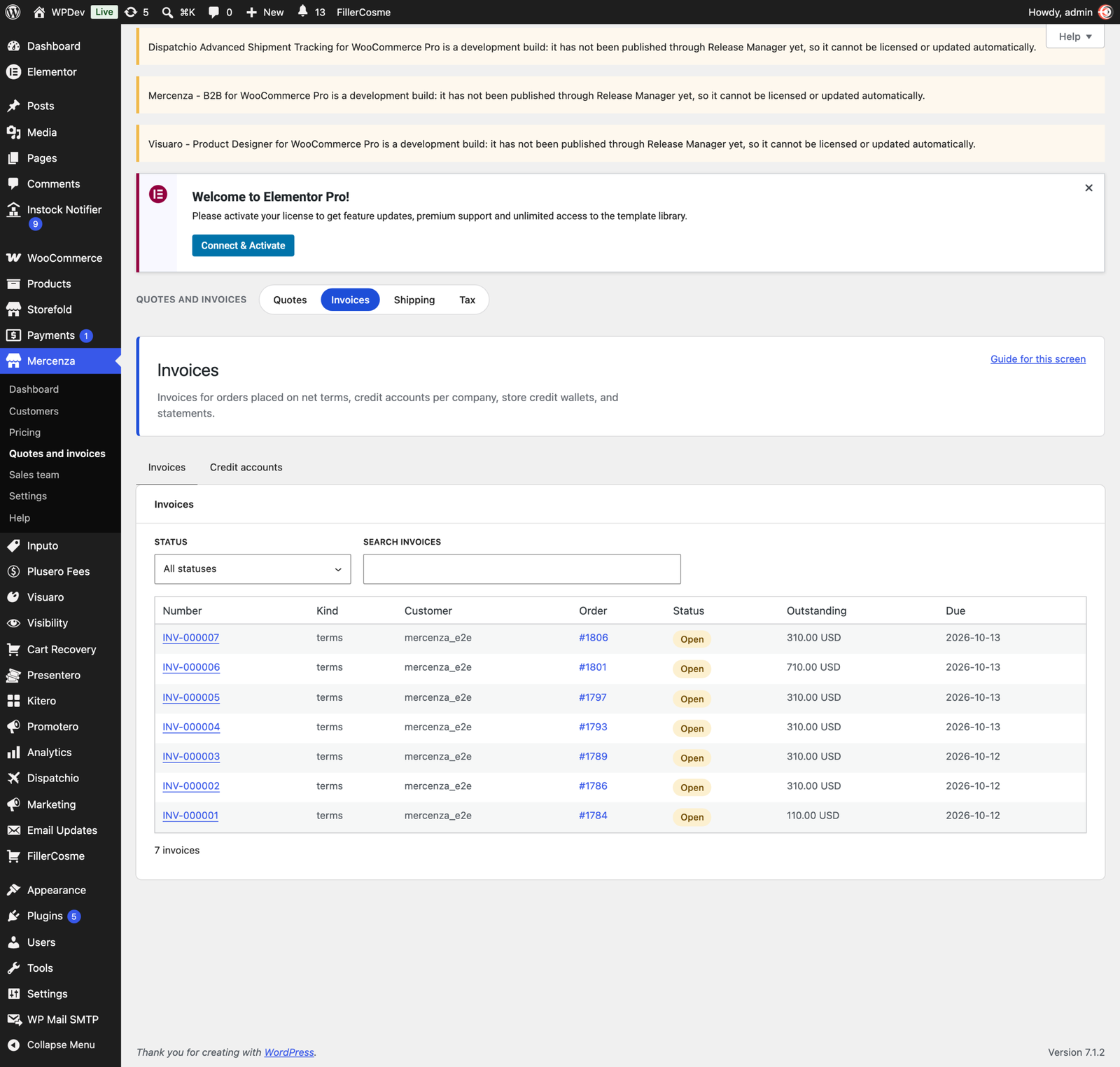
Paying on account
Give a company a credit limit and payment terms and the buyer can place the order on account. Mercenza issues the invoice with a due date, reserves the credit, sends reminders before and after it, applies late fees when you want them, and records payments against both the invoice and the limit.
Four payment methods come with it: net terms, purchase orders with the PO document uploaded at checkout, deposits with a balance payment later, and a store credit wallet. Account statements cover any period and download as a PDF.
Approvals inside the buyer’s company
A purchaser places the order, an approver releases it. Set a threshold per sub account, build an approval chain, and the order waits with an approval trail attached. Approvers are emailed, requests escalate when nobody acts, and the whole history stays on the order.
Tax and shipping for trade
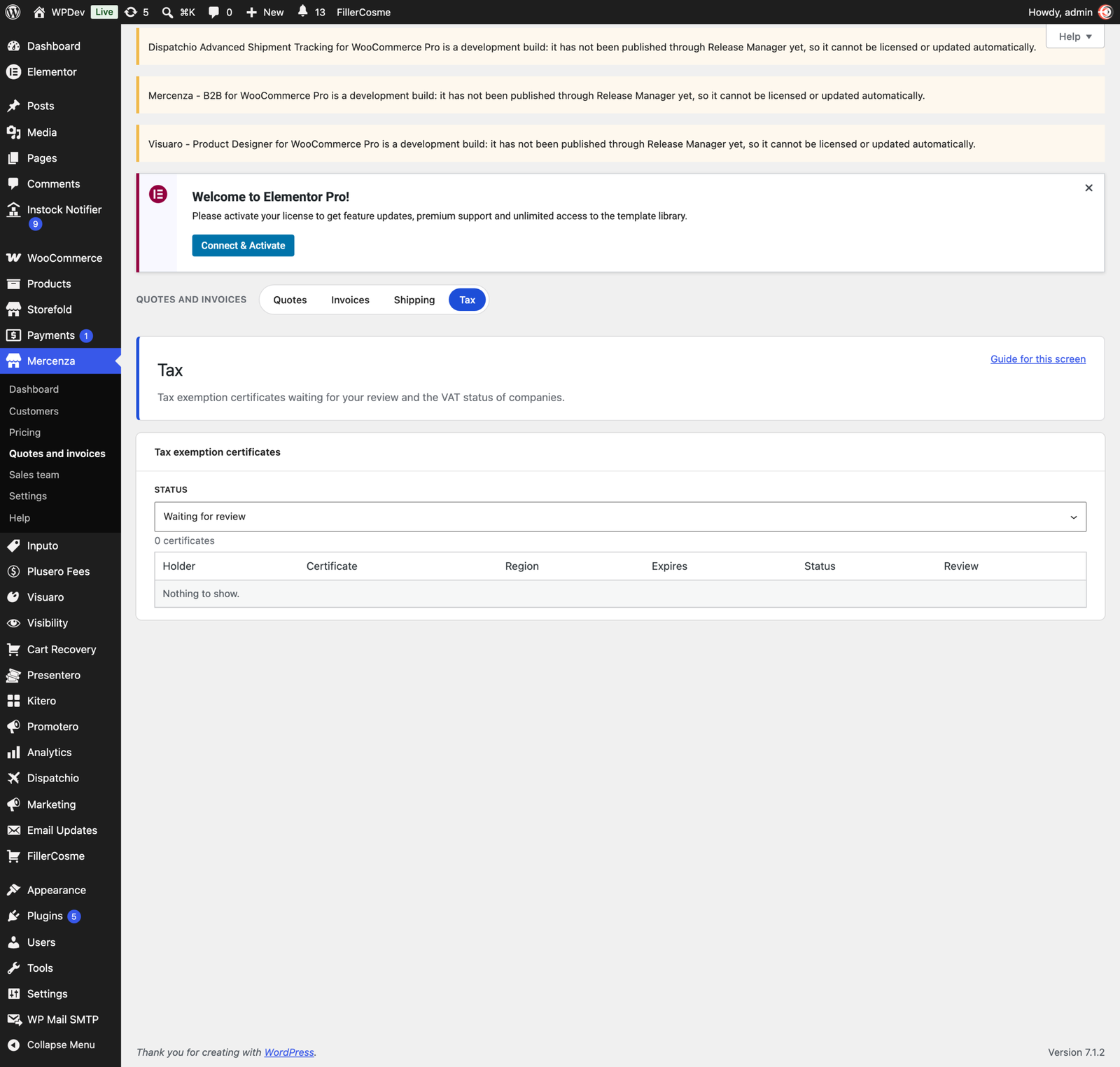
Collect and review tax exemption certificates with expiry dates and reminders, validate VAT numbers, apply EU reverse charge with your own note, and override the tax class per group.
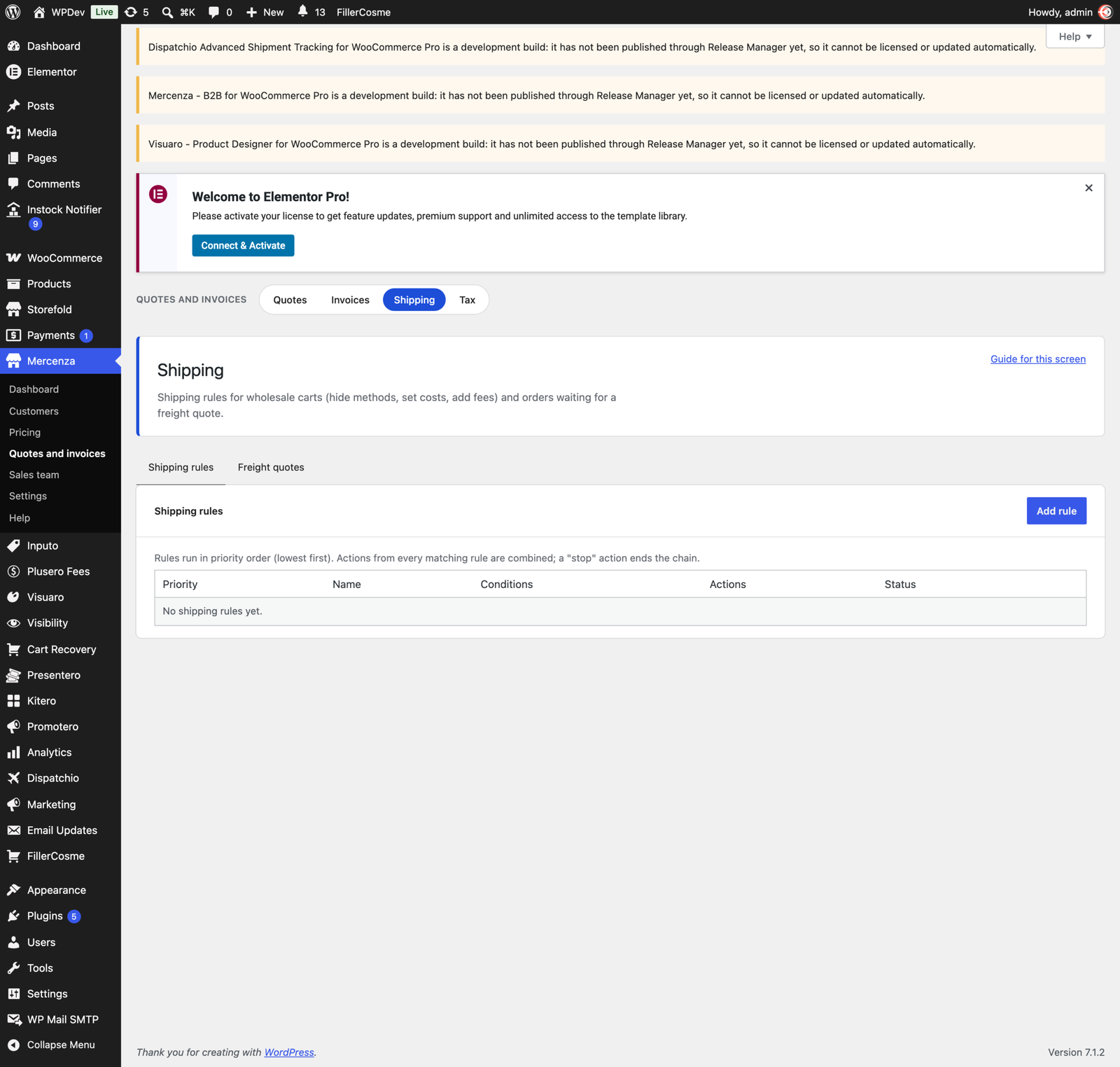
Shipping rules work per group, company, or destination. Heavy orders can ask for a freight quote instead of a rate, groups can be given free shipping thresholds or restricted to certain methods, and buyers can choose partial shipments or a pickup slot.
Your sales team
Give staff the sales rep role and assign them companies. Reps work from their own screen, place orders on behalf of a customer, and earn commission from rules you set, with payouts tracked. Accounts that go quiet are flagged, and winback emails bring them back.
Reports and price lists
Seven built in reports cover revenue, customers, products, groups, quotes, invoices, and commissions, with CSV export. Company owners see their own numbers in their account area. Every customer can download a price list with their own prices as CSV or PDF, and you can schedule those price lists to go out by email. Mercenza data also appears in WooCommerce Analytics.
Ordering tools buyers use every week
A quick order form takes names, SKUs, barcodes, or a pasted list and fills a cart in seconds. Shopping lists are reordered in one click, recurring orders run on a schedule, and past orders carry a reorder button. The B2B area in My Account follows your theme and works on a phone.
Integrations
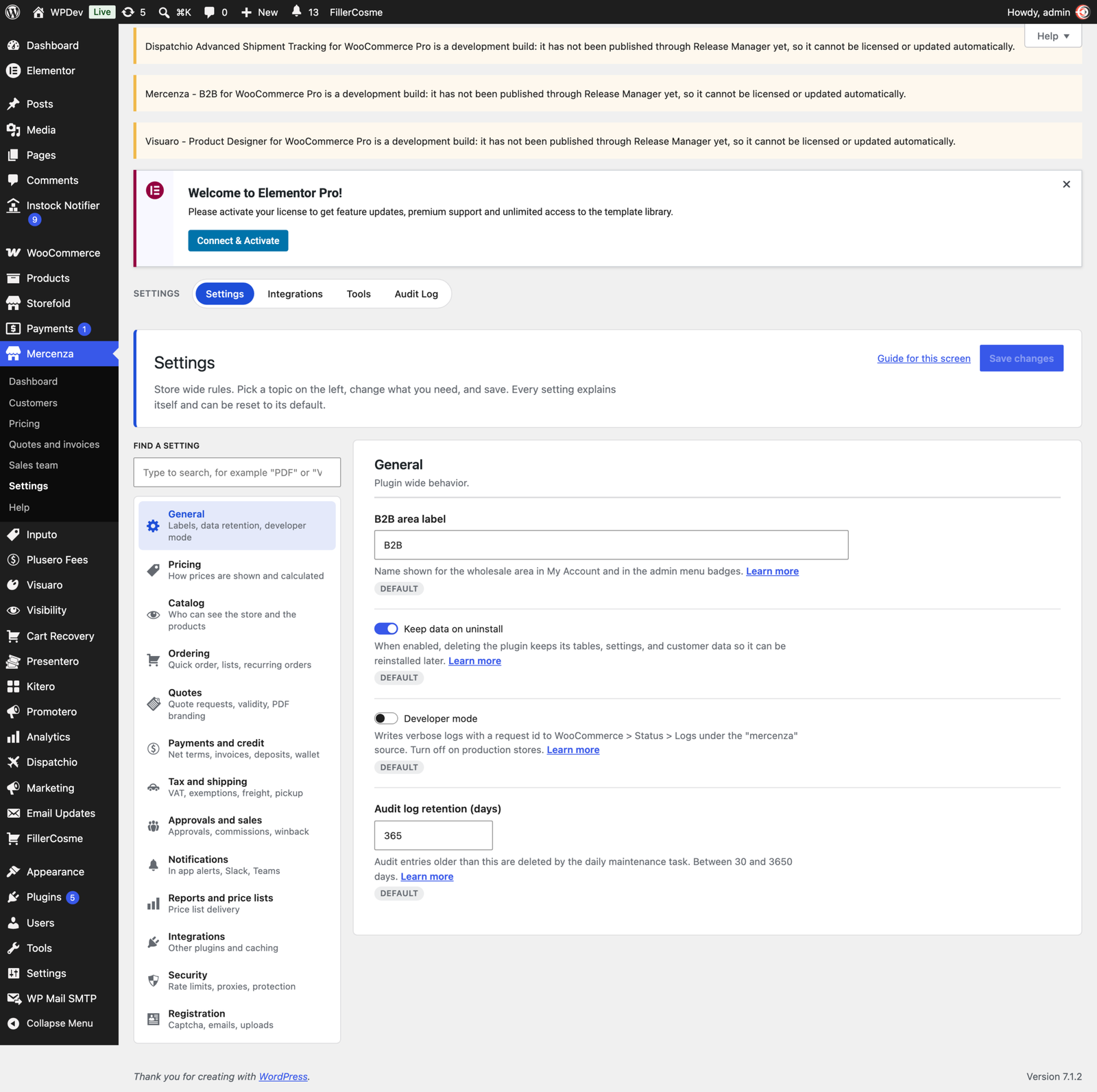
47 integration modules detect what else you run and fit in with it, including Elementor, Divi, Bricks, and Beaver Builder; Stripe, Mollie, Authorize.Net, and PayPal; PDF Invoices and Packing Slips; WPML, Polylang, TranslatePress, and Weglot; WooCommerce Subscriptions, Bookings, Memberships, Product Bundles, and Product Add-ons; Yoast, Rank Math, and AIOSEO; Algolia, ElasticPress, and FiboSearch; QuickBooks, Xero, HubSpot, and Zoho; WP Rocket, LiteSpeed, W3 Total Cache, and Cloudflare. Each one can be switched off.
Built for a real store
- Every form has a nonce and a capability check, and every query is prepared.
- Sensitive fields are encrypted at rest and never written to logs.
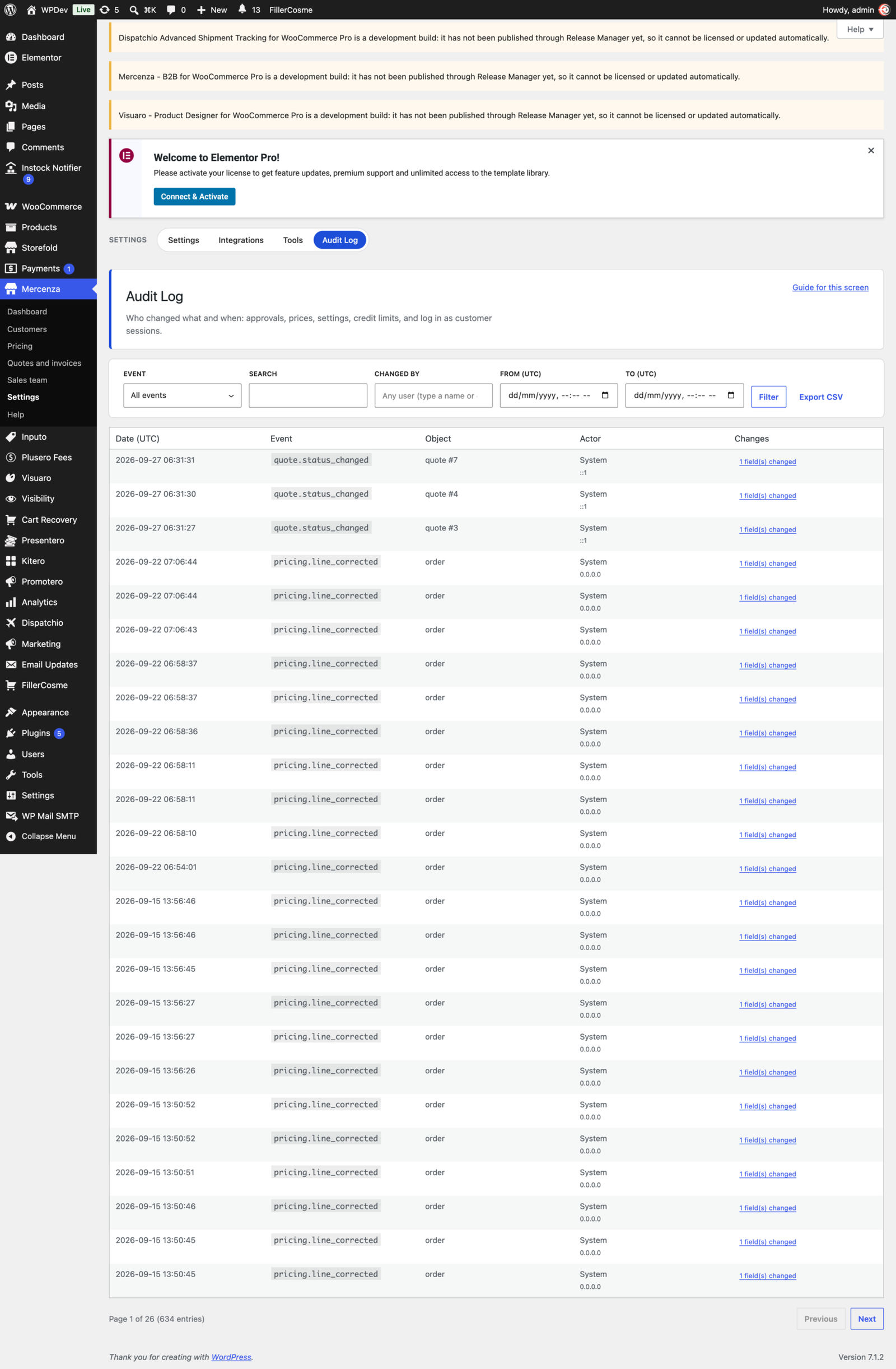
- An append only audit log records who changed what, with a diff view and export.
- Fine grained capabilities for every admin action, plus log in as a customer.
- More than 30 WooCommerce emails with editable text, and in app notifications with optional Slack, Microsoft Teams, and webhook delivery.
- A REST API under mercenza/v1 and 25 WP-CLI commands.
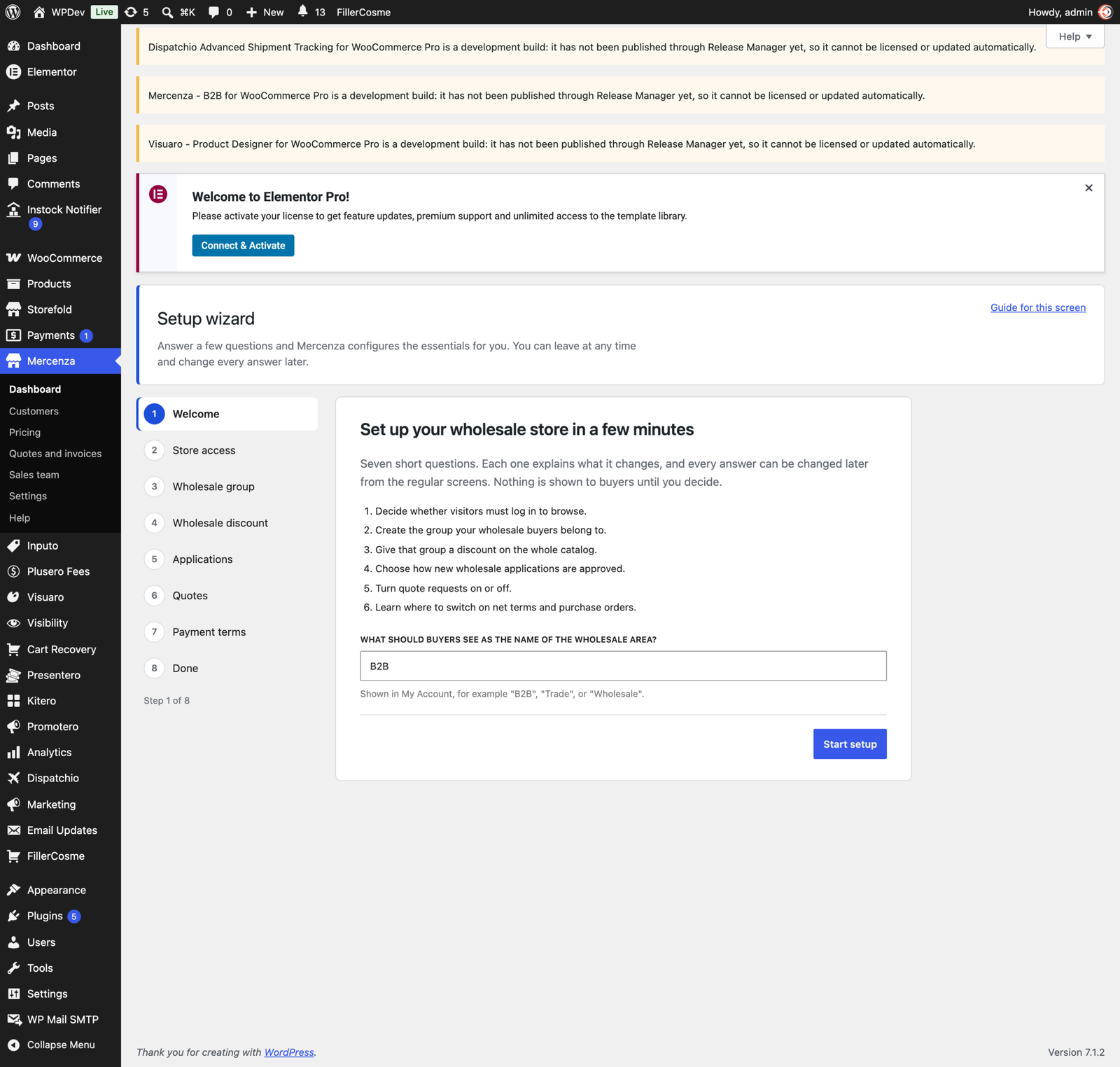
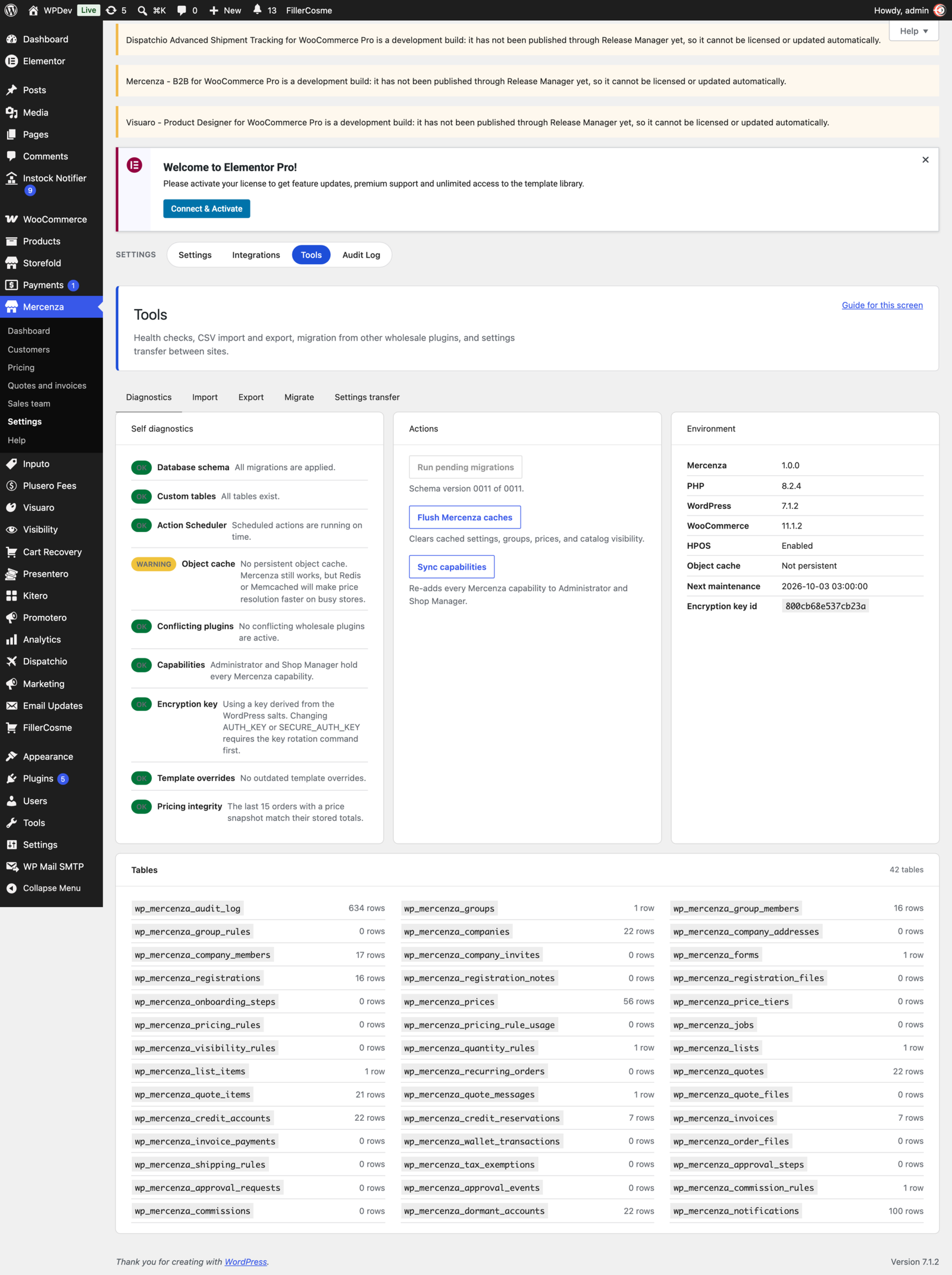
- HPOS and Cart and Checkout blocks compatible, with a setup wizard and the full documentation inside the plugin.
Changelog
1.0.0
- First release.
Details
At a glance
- Last updated
- October 2, 2026
- Type
- Pro plugin
Share
You might also like
 Pro
On sale
Pro
On sale
Affireo Affiliates for WooCommerce
Turn your WooCommerce store into a complete affiliate program. Affiliates share a personal link, you approve and pay them, and everything runs from a…
From $49.00 One-time
Live demo-
Pro
On sale
Kitero Composite Products for WooCommerce
Build customizable WooCommerce products with a powerful composite builder and bundle mode. Live pricing, logic rules, and guided selling included.
From $49.00 One-time
Live demo -
Free